 -99%
MT5
-99%
MT5
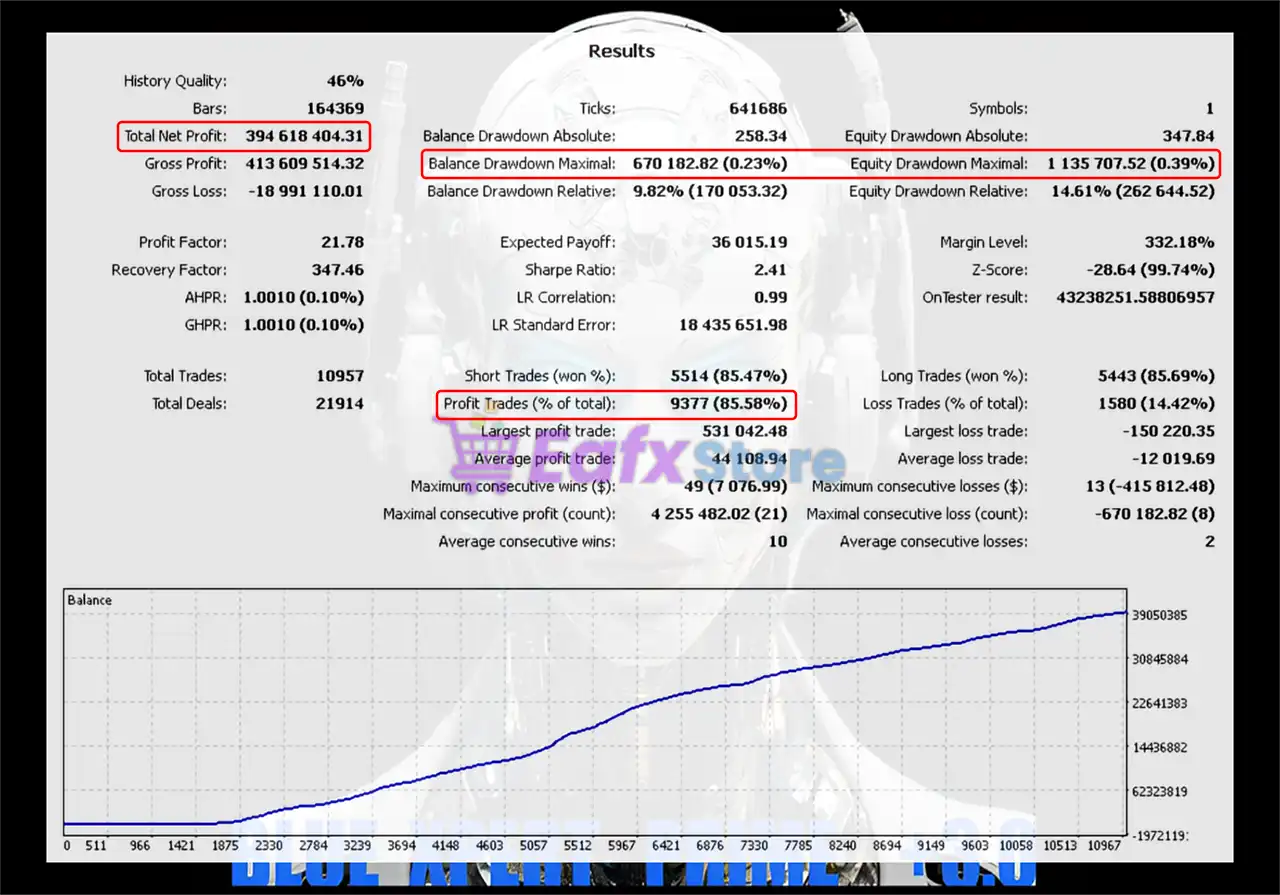
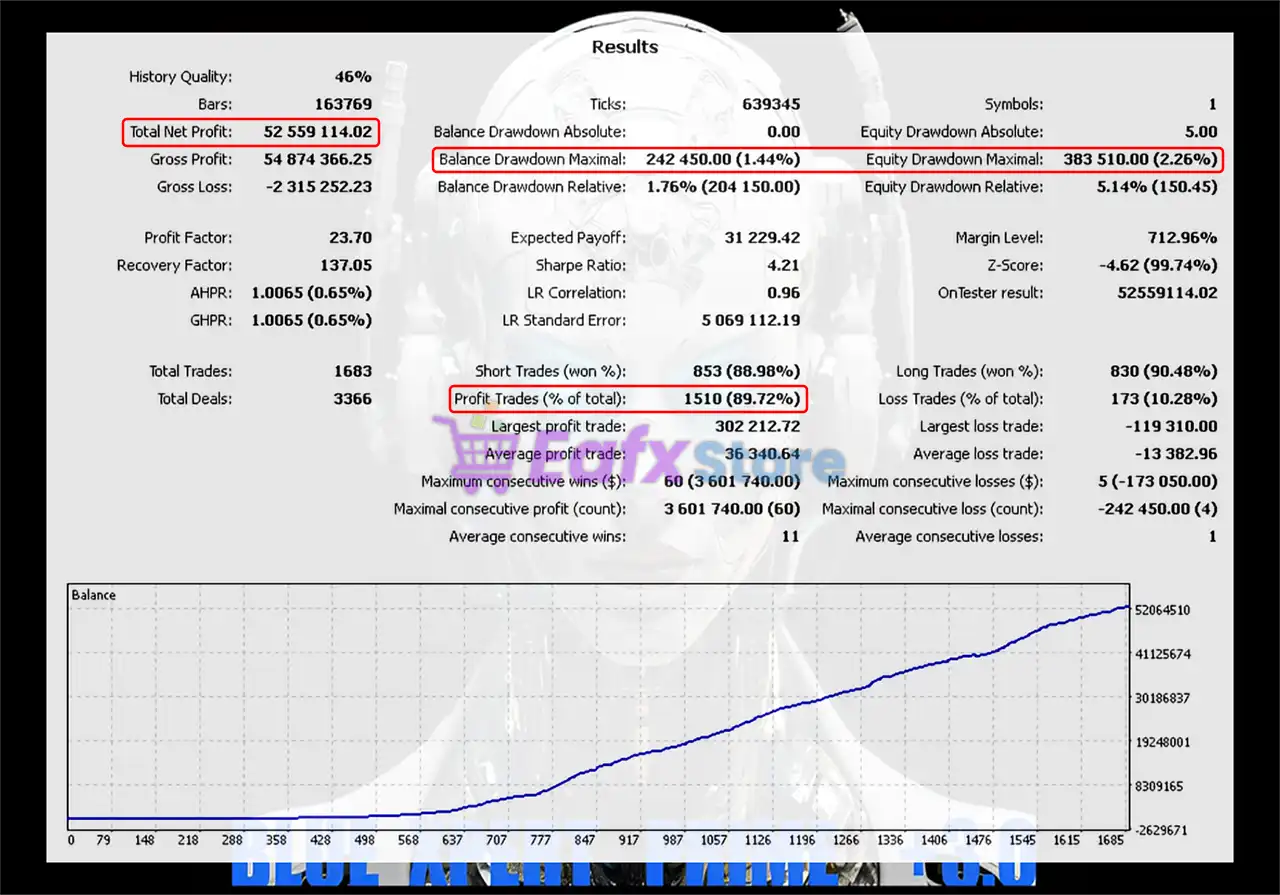
Blue Xpert Prime EA.ex5
- Conservative Lot Sizing
- The EA uses small default lot sizes to reduce market exposure, making it suitable even for traders with smaller account balances.
- Single Trade Execution
- Only one trade is active at any given time, which prevents overtrading and significantly reduces potential drawdowns.
- Fixed Stop Loss and Take Profit
- Every position includes a predefined SL and TP, ensuring disciplined trade management and a balanced risk-to-reward ratio.
- Dedicated Trade Tracking
- The EA operates with a unique magic number, allowing clear trade identification and preventing conflicts with other EAs running on the same account.
- Long-Term Trading Setup
- The EA uses a wider Stop Loss structure, allowing trades enough room to breathe without being prematurely stopped out during normal market fluctuations.
- Simple and Reliable Strategy
- Blue Xpert Prime is built on a clean and straightforward trading logic, focusing on stability rather than complex or risky trading mechanisms.
- Risk Protection Framework
- The single-trade limitation is designed to protect the trading account from overexposure, ensuring disciplined capital management.
Blue Xpert Prime +3.0 is a conservative automated trading system developed for traders who prioritize capital protection, steady growth, and disciplined risk management. Built on over 20 years of financial market trading experience, this Expert Advisor focuses on a simple but powerful philosophy: quality trades over quantity. Unlike aggressive robots that open many trades simultaneously, Blue Xpert Prime follows a single-trade strategy. This approach ensures that the account remains protected from excessive exposure while maintaining controlled performance during volatile market conditions. The EA also uses fixed Stop Loss and Take Profit levels, maintaining a structured risk-to-reward framework that helps traders achieve consistent long-term results.
Login to checkout
Technical Specifications & Requirements
Download the Blue Xpert Prime +3.0 EA file (.ex5).
Open MT5 → File → Open Data Folder.
Navigate to MQL5 → Experts.
Paste the EA file into the Experts folder.
Restart the platform.
Attach the EA to your preferred chart.
Enable Algo Trading to start automated execution.
Delivery and support
After payment is confirmed, you can download this product from your dashboard. The file is delivered instantly; no email delay. For MetaTrader EAs, copy the file to your MT4 or MT5 Data Folder and restart the platform. For TradingView, follow the instructions included with the file. If you have any issues, contact us and we will assist you.
Why buy from us
We offer secure payment, instant delivery, and clear documentation. All products are tested and compatible with current platform versions. You get lifetime access to your purchase and can re-download from your account anytime.
For installation guides and tips, visit our Blog. If you have questions about this product or need support, use the Contact page or email—we are here to help.
Customer reviews
Log in to leave a review after purchase.
- No reviews yet. Be the first to review after purchase.