 -100%
MT4
-100%
MT4
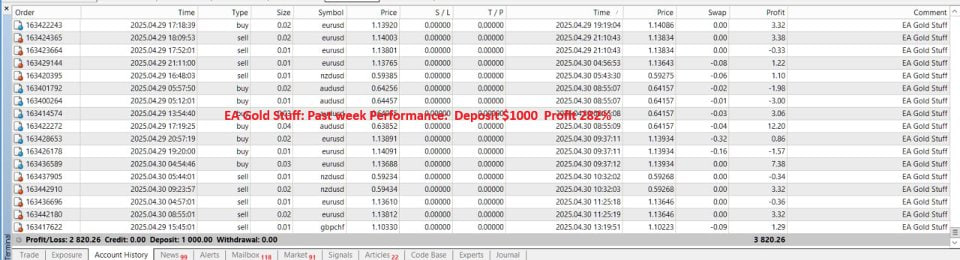
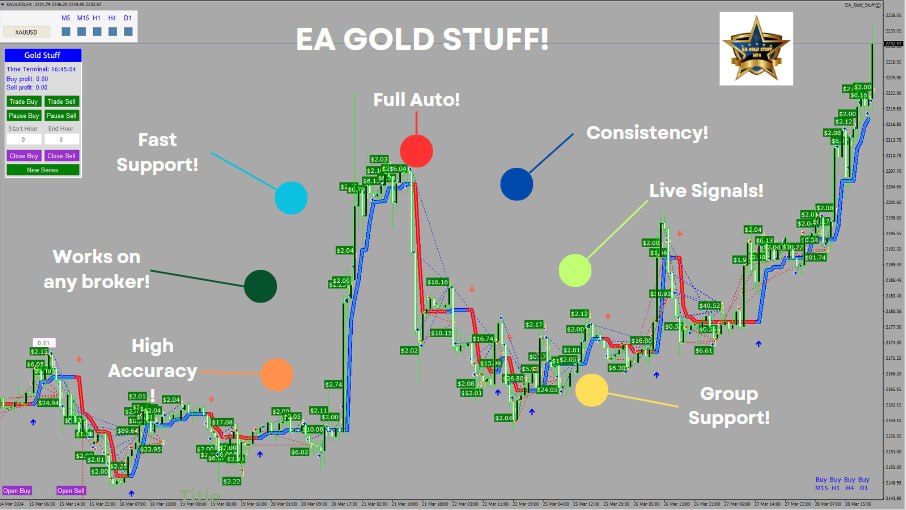
EA Gold Stuff MT4
- EA Gold Stuff MT4 comes with a wide range of advanced features designed for flexibility, control, and performance in gold trading:
- Grid Trading System: Opens multiple positions at defined intervals to average entry prices and recover losing trades.
- Hedging Capability: Allows simultaneous buy and sell positions to manage risk during high volatility.
- Manual Trade Support: Can manage and integrate manually opened trades into its strategy.
- Dynamic Lot Scaling: Uses a lot multiplier system to increase position sizes progressively during recovery cycles.
- No Fixed Stop Loss: Relies on grid logic and recovery strategies instead of traditional SL.
- Take Profit System: Uses fixed TP targets to close trades in profit once recovery is achieved.
- Trailing Stop Function: Activates on large price movements to secure profits dynamically.
- Drawdown Reduction Algorithm: Automatically reduces exposure by partially closing trades when profit thresholds are reached.
- Flexible Distance Settings: Supports both fixed and dynamic spacing between trades to adapt to market volatility.
- 24/5 Trading Capability: No time restrictions; operates continuously across all trading sessions.
- Highly Customizable Interface: Includes visual panels, adjustable colors, and layout settings for better usability.
- Magic Number System: Ensures proper trade identification and prevents conflicts with other EAs.
EA Gold Stuff MT4 is a powerful and highly customizable Expert Advisor specifically designed for trading XAUUSD (Gold) on the MetaTrader 4 platform. Built using a combination of grid trading and hedging strategies, this EA is engineered to handle volatile market conditions while maximizing recovery potential and maintaining flexible trade control. Unlike traditional EAs that rely on fixed strategies, EA Gold Stuff adapts dynamically to market movements through intelligent spacing, lot scaling, and drawdown recovery mechanisms. It allows traders to run automated strategies while still maintaining the ability to intervene manually when needed. The system is particularly suitable for experienced traders who understand grid-based trading, as it operates without a fixed stop loss and instead relies on advanced recovery logic, dynamic distance adjustments, and profit-based exit strategies. With full control over parameters such as lot size, spacing, and risk behavior, traders can fine-tune the EA to match their individual trading style and risk tolerance.
Login to checkout
Technical Specifications & Requirements
Obtain the EA Gold Stuff MT4 file (.ex4) and save it to your computer.
Install on MetaTrader 4
Open MT4 and go to File → Open Data Folder → MQL4 → Experts, then paste the EA file into this folder.
Restart MT4
Restart the platform or refresh the Navigator panel to load the EA.
Open a Gold Chart
Select XAUUSD and open a chart on your preferred timeframe.
Attach the EA
Drag EA Gold Stuff onto the chart and open the settings panel.
Configure Parameters
Adjust key settings such as lot size, grid distance, multiplier, and risk levels based on your strategy.
Enable AutoTrading
Activate the AutoTrading button in MT4 to allow the EA to execute trades.
Monitor Performance
Regularly check performance, especially due to the grid and martingale nature of the system.
Use VPS (Recommended)
For best performance, run the EA on a VPS to ensure 24/7 operation without interruptions.
Start on Demo First
Always test the EA on a demo account before using it on a live account to understand its behavior and risks.
Delivery and support
After payment is confirmed, you can download this product from your dashboard. The file is delivered instantly; no email delay. For MetaTrader EAs, copy the file to your MT4 or MT5 Data Folder and restart the platform. For TradingView, follow the instructions included with the file. If you have any issues, contact us and we will assist you.
Why buy from us
We offer secure payment, instant delivery, and clear documentation. All products are tested and compatible with current platform versions. You get lifetime access to your purchase and can re-download from your account anytime.
For installation guides and tips, visit our Blog. If you have questions about this product or need support, use the Contact page or email—we are here to help.
Customer reviews
Log in to leave a review after purchase.
- No reviews yet. Be the first to review after purchase.