 -99%
MT4
-99%
MT4
ENTRY EA V1.0 MT4
- Smart Trailing Entry Algorithm
- Instead of entering trades instantly, the EA trails price movements and waits for confirmation before executing positions, helping improve entry accuracy.
- 2. Precision Entry Optimization
- The EA attempts to enter trades closer to momentum confirmation zones, improving the risk-to-reward ratio.
- 3. Dynamic Volatility Adjustment
- The system can adjust trailing distances based on market volatility using indicators such as ATR (Average True Range).
- 4. Multi-Pair Compatibility
- Trailing Entry EA can be used on multiple instruments including:
- EURUSD
- GBPUSD
- USDJPY
- XAUUSD (Gold)
- Other major and minor currency pairs
- 5. Timeframe Flexibility
- Although optimized for M15 to H1, the EA can operate on different chart timeframes depending on trader preferences.
- 6. Non-Martingale Strategy
- The EA does not use martingale, grid systems, or lot doubling, focusing instead on controlled risk management.
- 7. Adjustable Risk Management
- Traders can configure important parameters including:
- Lot size
- Stop Loss
- Take Profit
- Maximum trades
- Trailing distance
- 8. News Filter (Optional)
- The EA can pause trading during major economic announcements to avoid unexpected volatility.
- 9. Spread Protection Filter
- A spread filter helps prevent trades during unfavorable broker conditions when spreads widen significantly.
- 10. Compatible with Any Trading Strategy
- Trailing Entry EA can work alongside trend strategies, breakout systems, pullback entries, and scalping setups.
- 11. Backtesting Support
- The EA can be tested using the MT4 Strategy Tester, allowing traders to evaluate performance before using it on a live account.
- 12. VPS Friendly
- The system works efficiently on Forex VPS servers, allowing continuous trading with stable connectivity and low latency.
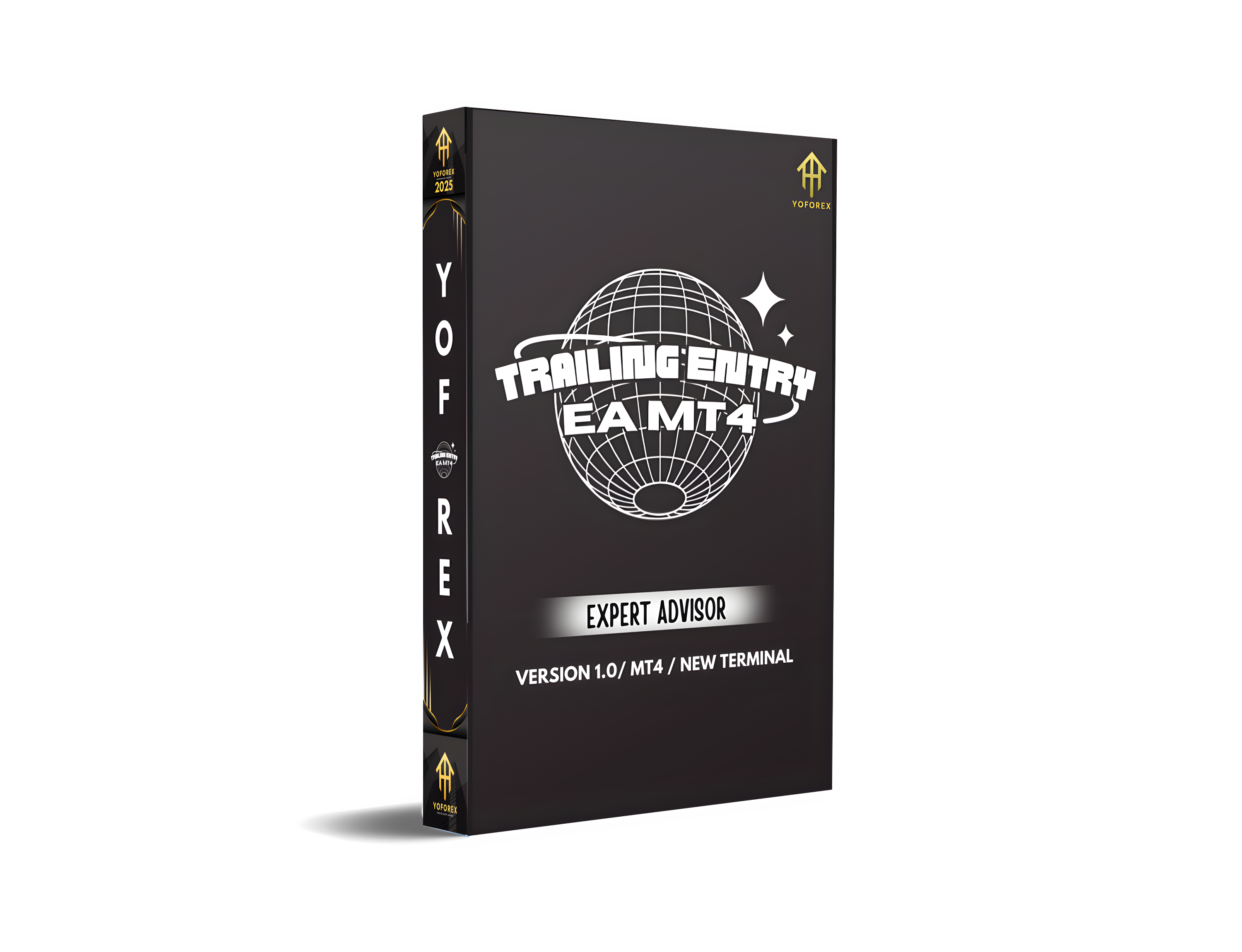
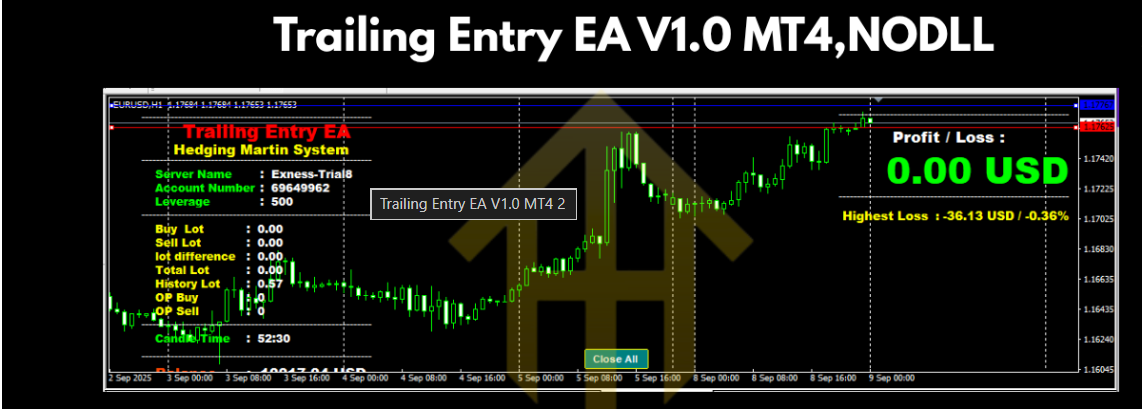
Trailing Entry EA V1.0 MT4 is a fully automated trading Expert Advisor developed for the MetaTrader 4 (MT4) platform. The EA is designed to improve trading precision by optimizing entry timing using a dynamic trailing mechanism rather than entering trades immediately when a signal appears. Many trading strategies fail because positions are opened too early before the market confirms direction. Trailing Entry EA solves this issue by tracking price movement in real time and delaying the entry slightly until momentum confirms the move. This approach helps reduce false signals, minimize drawdown, and improve overall trade accuracy. The EA can work with different trading styles including trend-following strategies, breakout trading, and pullback entries. Once a trading signal is detected, the EA begins trailing the potential entry level within a defined distance until favorable conditions are confirmed. When the market moves in the expected direction, the EA executes the trade automatically and manages it using predefined stop-loss and take-profit parameters. Trailing Entry EA V1.0 MT4 also integrates several protective features such as volatility filters, spread protection, and optional news filters. These features help the system avoid unfavorable trading conditions and maintain disciplined trade execution. By combining automated trade management with a smart entry optimization system, Trailing Entry EA V1.0 MT4 provides traders with a more precise and structured approach to automated trading.
Login to checkout
Technical Specifications & Requirements
Download and install MetaTrader 4 (MT4) from your preferred broker.
2. Copy the EA File
Place the EA file in the following folder:
MT4 → File → Open Data Folder → MQL4 → Experts
Restart MT4 after copying the file.
3. Open a Chart
Open a chart for a supported pair such as:
EURUSD
GBPUSD
XAUUSD
USDJPY
Select a timeframe between M15 and H1.
4. Attach the EA
From the Navigator panel, drag Trailing Entry EA V1.0 onto the chart.
5. Configure Settings
Adjust parameters such as:
Lot size
Trailing distance
Stop Loss / Take Profit
Maximum trades
News filter settings
6. Enable AutoTrading
Click the AutoTrading button in MT4 so the EA can execute trades automatically.
7. Use a VPS (Recommended)
For uninterrupted trading performance, run the EA on a Forex VPS server
Delivery and support
After payment is confirmed, you can download this product from your dashboard. The file is delivered instantly; no email delay. For MetaTrader EAs, copy the file to your MT4 or MT5 Data Folder and restart the platform. For TradingView, follow the instructions included with the file. If you have any issues, contact us and we will assist you.
Why buy from us
We offer secure payment, instant delivery, and clear documentation. All products are tested and compatible with current platform versions. You get lifetime access to your purchase and can re-download from your account anytime.
For installation guides and tips, visit our Blog. If you have questions about this product or need support, use the Contact page or email—we are here to help.
Customer reviews
Log in to leave a review after purchase.
- No reviews yet. Be the first to review after purchase.