 -98%
MT4
-98%
MT4
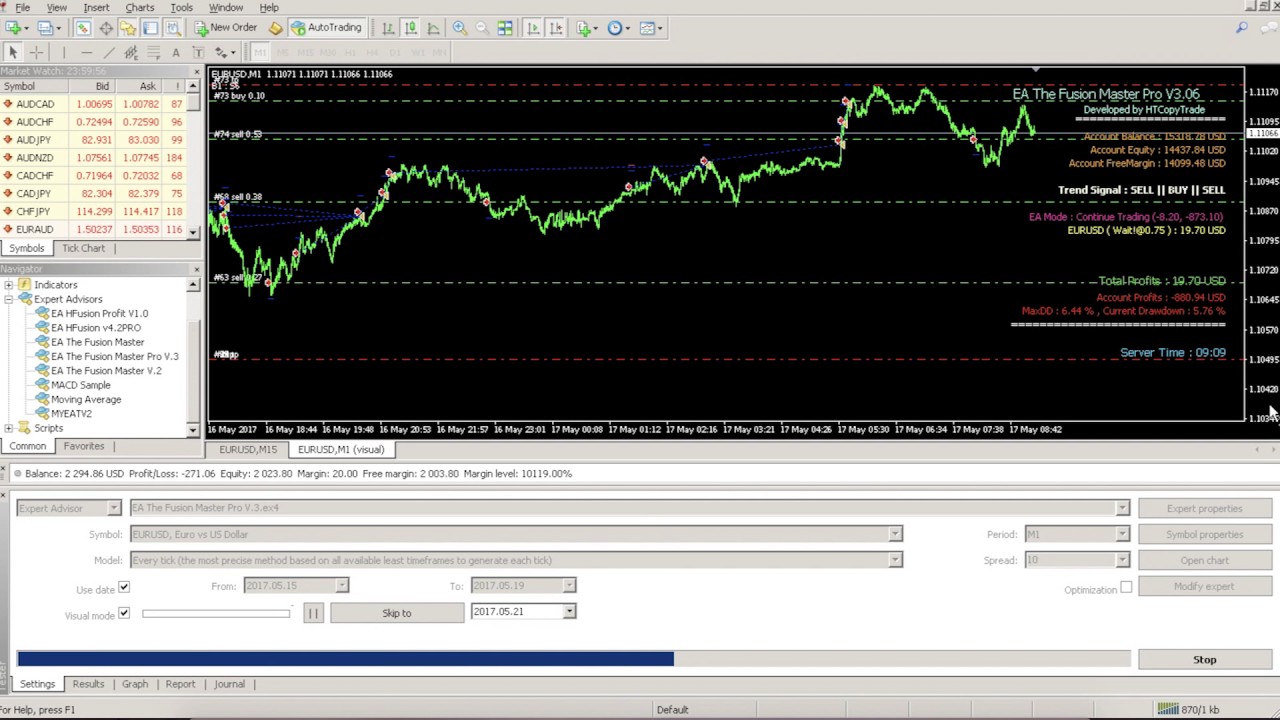
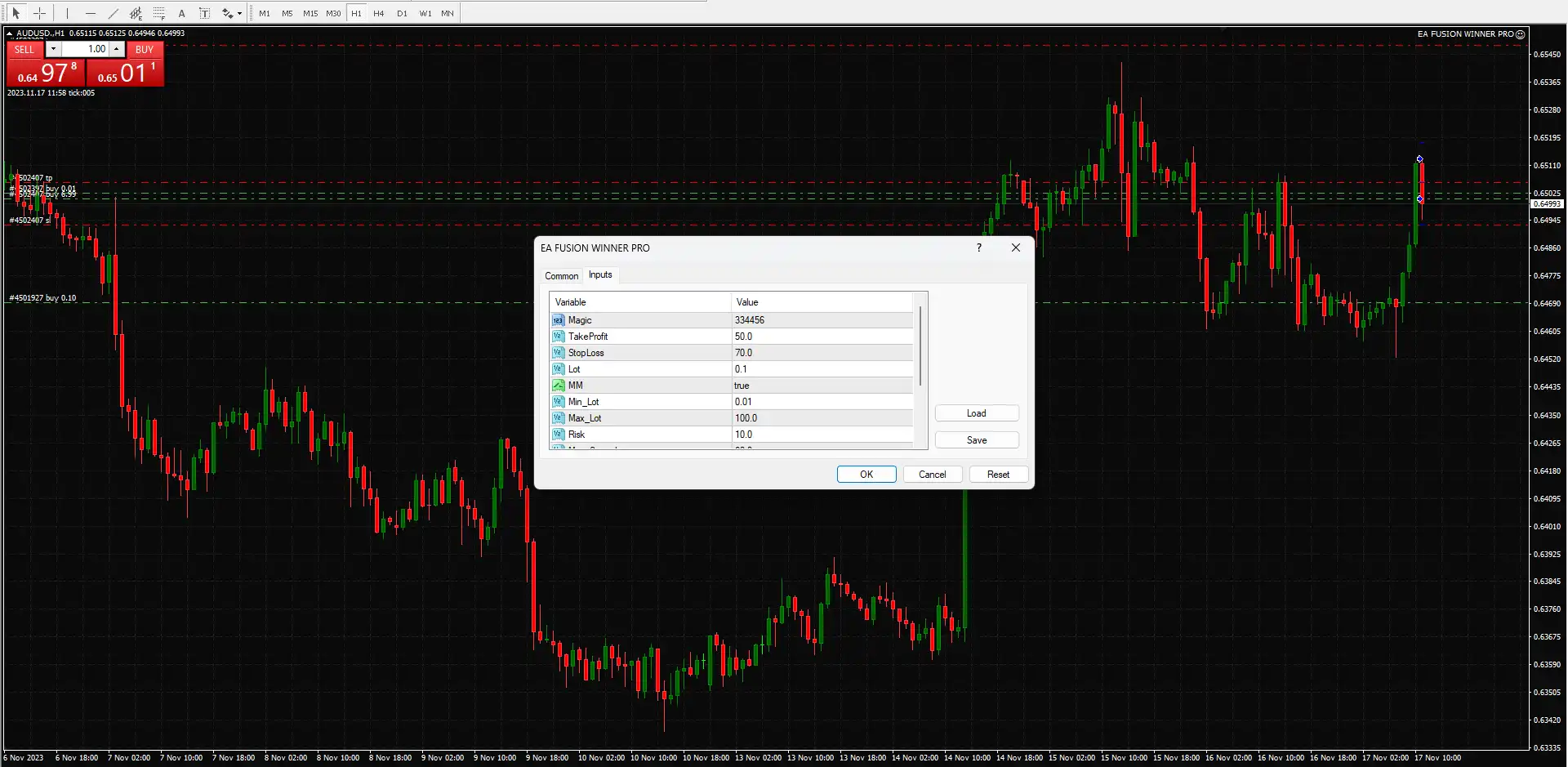
Fusion Winner Pro EA MT4
- Advanced Trading Algorithm
- Fusion Winner Pro EA uses a trend-based algorithm capable of analyzing market conditions and executing trades with high precision.
- Smart Risk Management
- The EA includes a built-in risk management system designed to protect trading capital through automated stop loss and take profit levels.
- Real-Time Market Adaptation
- The trading algorithm dynamically adjusts to changes in market trends and price momentum.
- Automated Trade Execution
- Trades are executed automatically without manual input once the trading conditions are satisfied.
- Capital Protection Tools
- Built-in capital protection features help control drawdown and maintain account stability.
- User-Friendly Interface
- Fusion Winner Pro EA is designed with a simple configuration process suitable for both beginner and professional traders.
- Multi-Asset Trading Support
- The EA is optimized for trading:
- EURUSD
- GBPUSD
- Gold (XAUUSD)
- Suitable for Prop Firm Challenges
- The EA can be used for trading challenges offered by proprietary trading firms such as FTMO.
Fusion Winner Pro EA is a fully automated trading Expert Advisor designed for the MetaTrader 4 trading platform. The system is optimized for high-performance trading with XAUUSD as well as major forex pairs including EURUSD and GBPUSD. Fusion Winner Pro EA integrates advanced trading algorithms with professional capital management tools. The system automatically analyzes market conditions, identifies potential trading opportunities, and executes trades without requiring manual intervention. The EA includes intelligent risk management features such as automatic Stop Loss (SL) and Take Profit (TP) levels, helping traders control potential losses while aiming to maximize profits during different market conditions. With its automated trading structure and simplified setup process, Fusion Winner Pro EA is suitable for traders who want to participate in the forex market using algorithm-based strategies.
Login to checkout
Technical Specifications & Requirements
Download the Fusion Winner Pro EA setup files.
Open the Data Folder in MetaTrader 4.
Navigate to MQL4 → Experts.
Copy the EA file into the Experts folder.
Restart or refresh the MetaTrader 4 platform.
Open a trading chart for EURUSD, GBPUSD, or XAUUSD.
Set the chart timeframe to M15.
Attach the EA to the chart from the Navigator panel.
Configure risk and lot size settings.
Enable AutoTrading.
Allow live trading permissions.
After activation, the EA will begin monitoring market conditions and executing trades automatically.
Delivery and support
After payment is confirmed, you can download this product from your dashboard. The file is delivered instantly; no email delay. For MetaTrader EAs, copy the file to your MT4 or MT5 Data Folder and restart the platform. For TradingView, follow the instructions included with the file. If you have any issues, contact us and we will assist you.
Why buy from us
We offer secure payment, instant delivery, and clear documentation. All products are tested and compatible with current platform versions. You get lifetime access to your purchase and can re-download from your account anytime.
For installation guides and tips, visit our Blog. If you have questions about this product or need support, use the Contact page or email—we are here to help.
Customer reviews
Log in to leave a review after purchase.
- No reviews yet. Be the first to review after purchase.