 -96%
MT4
-96%
MT4
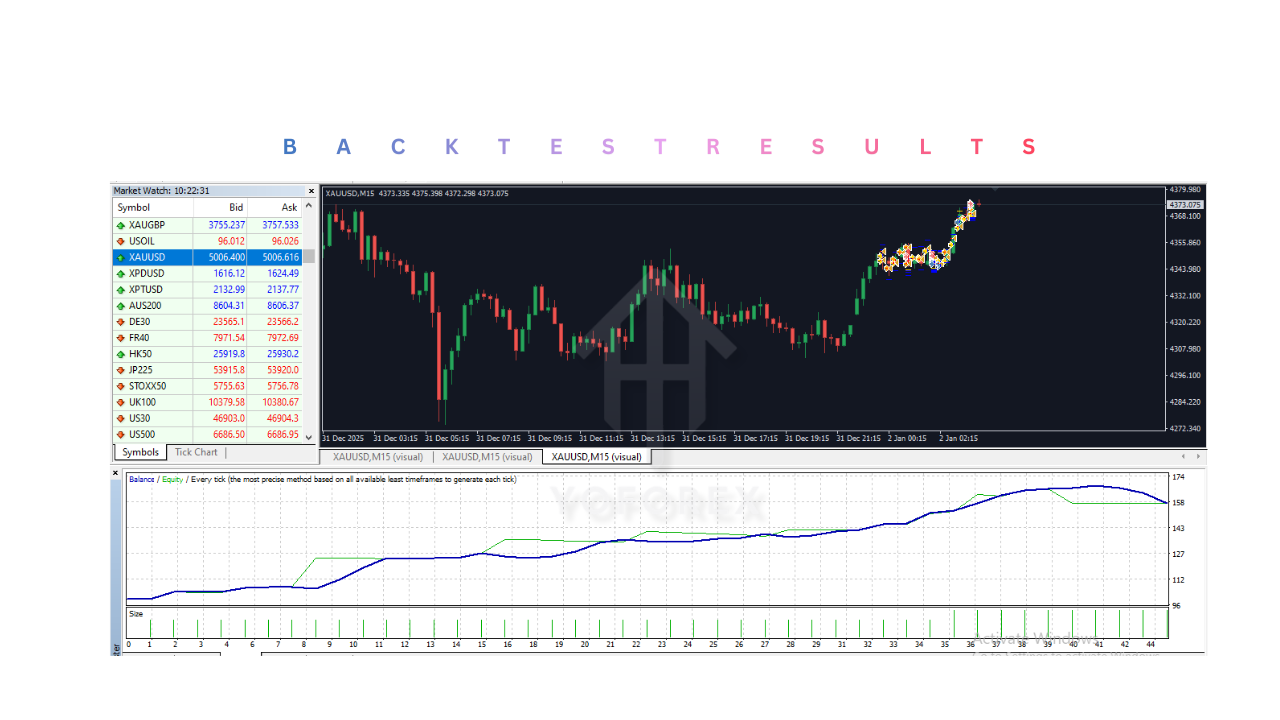
Gold Pulse EA V1.11 MT4
- Fully Automated Trading
- Executes buy and sell operations automatically without user intervention.
- Grid Strategy and Rapid Exploitation
- Opens multiple positions at fixed intervals to capture small market movements.
- Automated Lot Management
- Adjusts trade sizes based on account balance and risk settings.
- News Filter
- Avoids trading during high-impact news events such as employment reports and FOMC meetings.
- Spread Protection
- Prevents trading when spreads are excessively high.
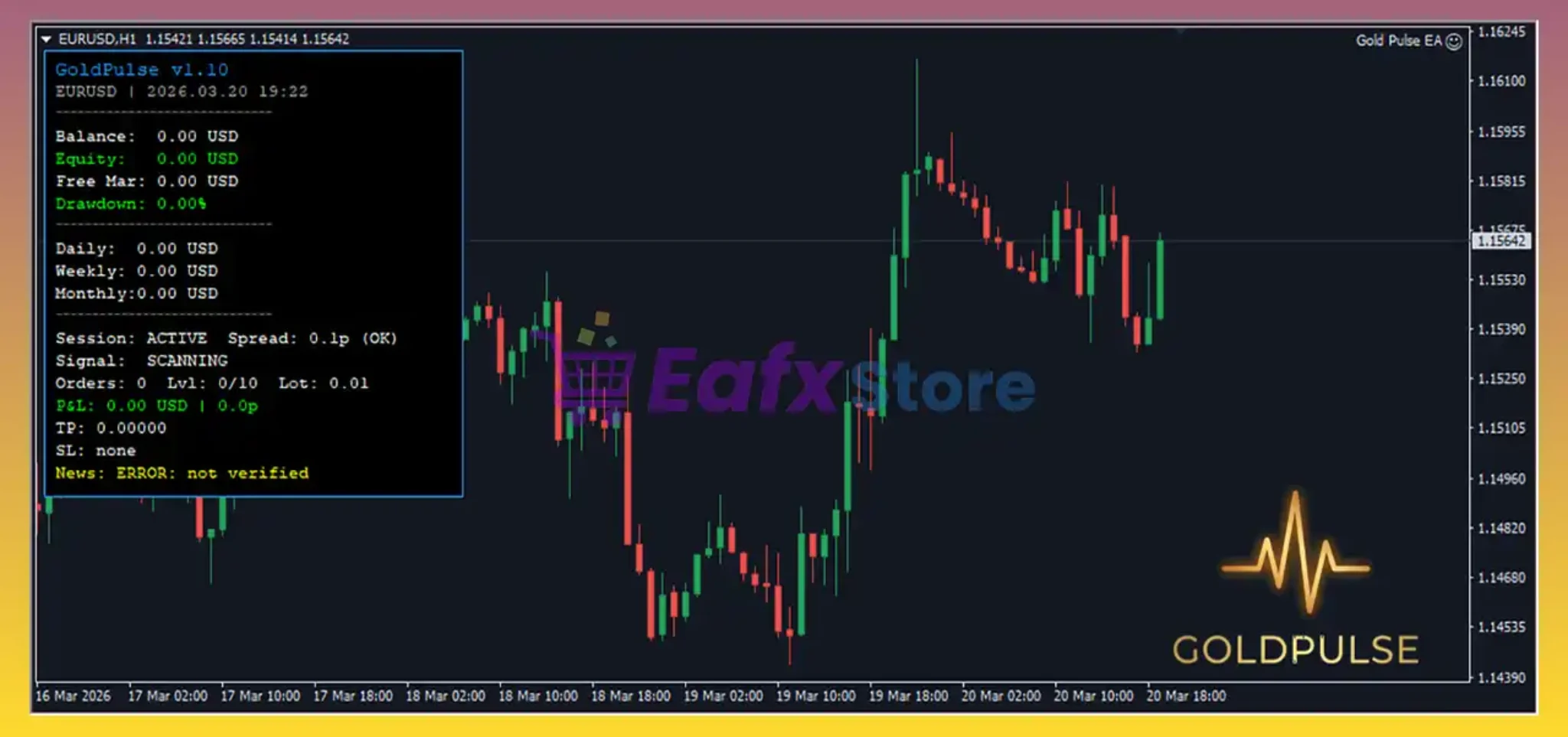
- Real-Time Monitoring Dashboard
- Displays account performance, open trades, and real-time drawdown on the chart.
- Dual-Directional Market Trading
- Capable of trading both long and short positions simultaneously.
Gold Pulse EA is a fully automated trading robot designed for MetaTrader 4. It focuses on trading XAUUSD (Gold) using a grid-based scalping strategy. The system analyzes market movements in real time and executes trades automatically without manual intervention. It is built to take advantage of short-term price fluctuations while managing risk through controlled order placement and built-in safety filters.
Login to checkout
Technical Specifications & Requirements
Download and install the MT4 trading platform.
Add the EA File
Open MT4
Go to File → Open Data Folder
Navigate to MQL4 → Experts
Paste the EA file (.ex4)
Restart MT4
Refresh or restart the platform to load the EA.
Attach EA to Chart
Open XAUUSD chart
Drag and drop the EA onto the chart
Enable Auto Trading
Turn on the “AutoTrading” button.
Adjust Settings
Set lot size or risk
Configure max orders and spread filter
Use a VPS (Optional but Recommended)
Keep the EA running 24/7 without interruption.
Delivery and support
After payment is confirmed, you can download this product from your dashboard. The file is delivered instantly; no email delay. For MetaTrader EAs, copy the file to your MT4 or MT5 Data Folder and restart the platform. For TradingView, follow the instructions included with the file. If you have any issues, contact us and we will assist you.
Why buy from us
We offer secure payment, instant delivery, and clear documentation. All products are tested and compatible with current platform versions. You get lifetime access to your purchase and can re-download from your account anytime.
For installation guides and tips, visit our Blog. If you have questions about this product or need support, use the Contact page or email—we are here to help.
Customer reviews
Log in to leave a review after purchase.
- No reviews yet. Be the first to review after purchase.