 -99%
MT4
-99%
MT4
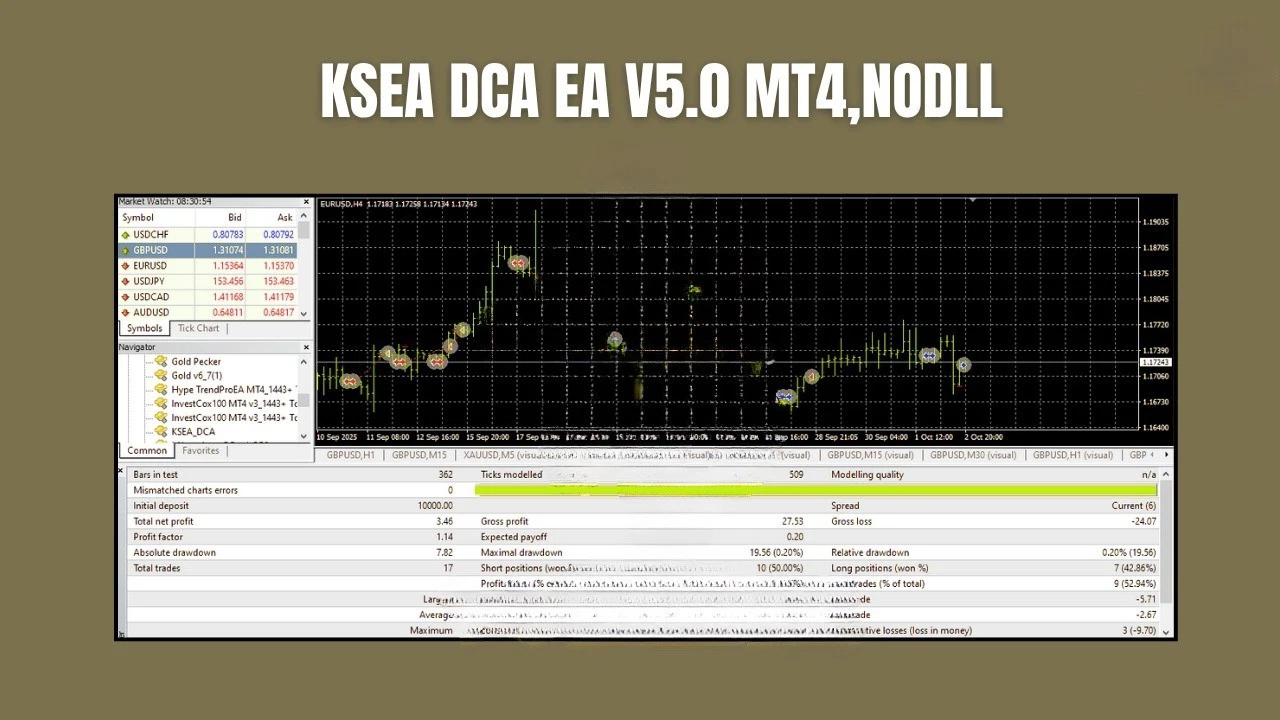
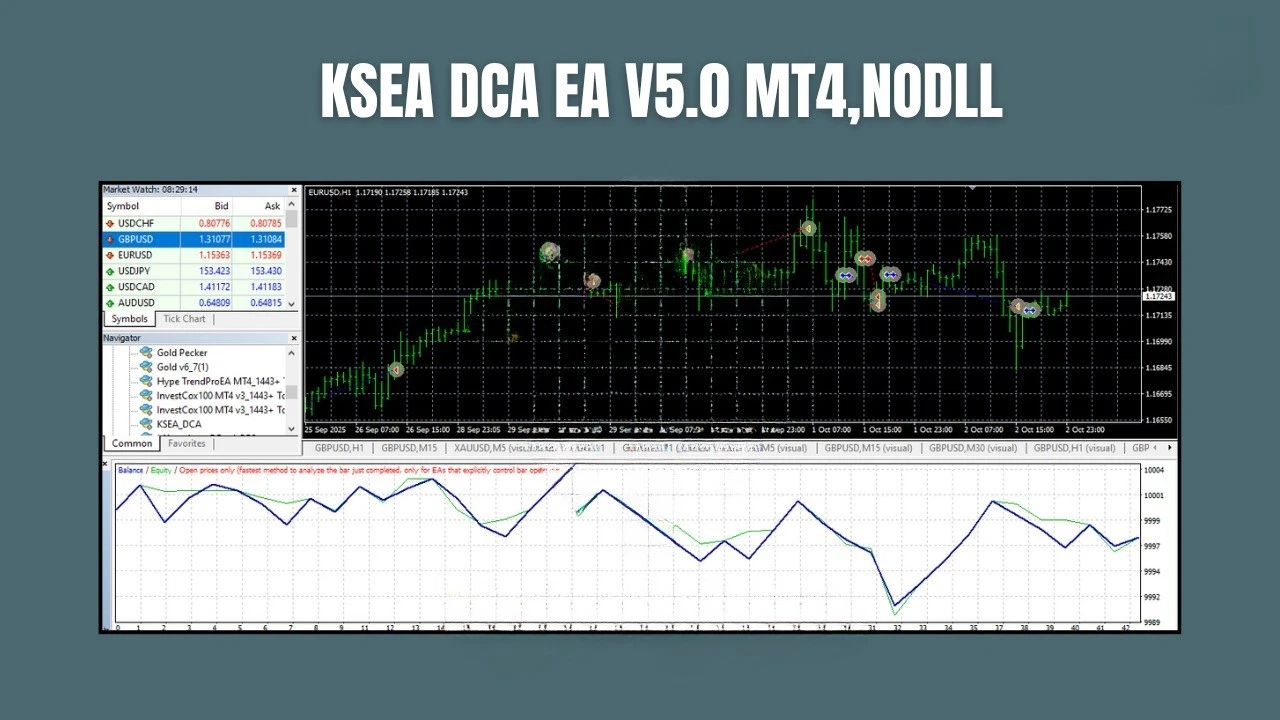
KSEA DCA EA V5.0 MT4
- Dynamic DCA Scaling
- The EA intelligently adjusts position sizes and entry spacing based on market volatility, trend strength, and account equity.
- Smart Averaging Logic
- Positions are layered strategically to improve the average entry price without excessive exposure.
- Partial Basket Exit
- Once the profit target is reached, the EA can close a portion of the trade basket to secure profits and free margin.
- Volatility Detection
- The EA uses internal volatility analysis (such as ATR) to adapt its behavior to changing market conditions.
- Spread Protection
- Trading is temporarily paused when spreads exceed predefined limits, helping prevent poor execution.
- Recovery Mode
- If the market moves against the open positions, the EA activates a controlled recovery strategy designed to manage drawdowns carefully.
- Automatic Risk-Based Lot Sizing
- Lot sizes can be calculated automatically based on a predefined risk percentage of the account balance.
- Multi-Pair Compatibility
- The EA works on several major forex pairs including:
- EURUSD
- GBPUSD
- AUDUSD
- USDJPY
- Fully Automated Trading
- Once installed and configured, the EA monitors the market and manages trades automatically without manual intervention.
- VPS Friendly
- The system is optimized to run continuously on Forex VPS servers for stable and uninterrupted operation.
KSEA DCA EA V5.0 MT4 is an advanced automated Expert Advisor designed for the MetaTrader 4 (MT4) platform. The system is built around a Dollar-Cost Averaging (DCA) trading methodology, allowing traders to scale into positions intelligently while maintaining controlled risk exposure. Unlike traditional grid or martingale systems, which can rapidly increase risk during unfavorable market movements, KSEA DCA EA uses a dynamic scaling algorithm to determine optimal entry spacing, position sizing, and profit targets based on real-time market conditions. The EA strategically layers trades to improve the average entry price and reduce overall drawdown. By distributing positions across carefully calculated price levels, the system turns market volatility into opportunities while maintaining a smoother equity curve. One of the key advantages of KSEA DCA EA V5.0 is its Partial Exit mechanism, which allows the system to close portions of the trade basket once a defined profit level is reached. This locks in profits while reducing margin exposure and maintaining account stability. In addition, the EA includes built-in protection features such as spread filtering, volatility detection, and automatic risk management, helping it avoid trading during unfavorable market conditions like high spreads or extreme volatility. Overall, KSEA DCA EA V5.0 MT4 provides traders with a balanced automated trading solution that focuses on consistency, risk control, and long-term account sustainability.
Login to checkout
Technical Specifications & Requirements
Download and install the MetaTrader 4 (MT4) trading platform from your broker.
2. Copy the EA File
Open MT4 and navigate to:
File → Open Data Folder → MQL4 → Experts
Copy the KSEA DCA EA V5.0.ex4 file into the Experts folder and restart MT4.
3. Open a Chart
Open a chart for one of the supported currency pairs such as EURUSD and select a timeframe between M15 and H1.
4. Attach the EA
From the Navigator panel, drag KSEA DCA EA V5.0 onto the chart.
5. Configure Settings
Adjust the EA parameters according to your preferences:
Initial lot size
Risk percentage
Take Profit levels
Maximum trades
Magic number
6. Enable AutoTrading
Activate the AutoTrading button in MT4 to allow the EA to execute trades automatically.
7. Test on Demo First
Before trading on a live account, it is recommended to run the EA on a demo account for at least two weeks to observe its behavior under real market conditions.
Delivery and support
After payment is confirmed, you can download this product from your dashboard. The file is delivered instantly; no email delay. For MetaTrader EAs, copy the file to your MT4 or MT5 Data Folder and restart the platform. For TradingView, follow the instructions included with the file. If you have any issues, contact us and we will assist you.
Why buy from us
We offer secure payment, instant delivery, and clear documentation. All products are tested and compatible with current platform versions. You get lifetime access to your purchase and can re-download from your account anytime.
For installation guides and tips, visit our Blog. If you have questions about this product or need support, use the Contact page or email—we are here to help.
Customer reviews
Log in to leave a review after purchase.
- No reviews yet. Be the first to review after purchase.