 -96%
MT4
-96%
MT4
Optimized PRO Strategy EA V2.0 MT4
- Fully Automated Trading: Executes trades based on pre-programmed strategies without human intervention.
- Advanced Trend Detection: Aligns trades with the dominant market trend to improve accuracy.
- Multi-Indicator Signal Confirmation: Uses multiple technical indicators to confirm signals and filter false entries.
- Momentum-Based Entries: Ensures trades are placed only during strong price movements.
- Built-in Risk Management: Stop loss, take profit, and adjustable lot sizes to protect capital.
- Multi-Currency Pair Support: Can trade multiple Forex pairs simultaneously.
- Fast Trade Execution: Reduces delays and slippage.
- Customizable Trading Settings: Adjust lot size, risk level, and trade frequency.
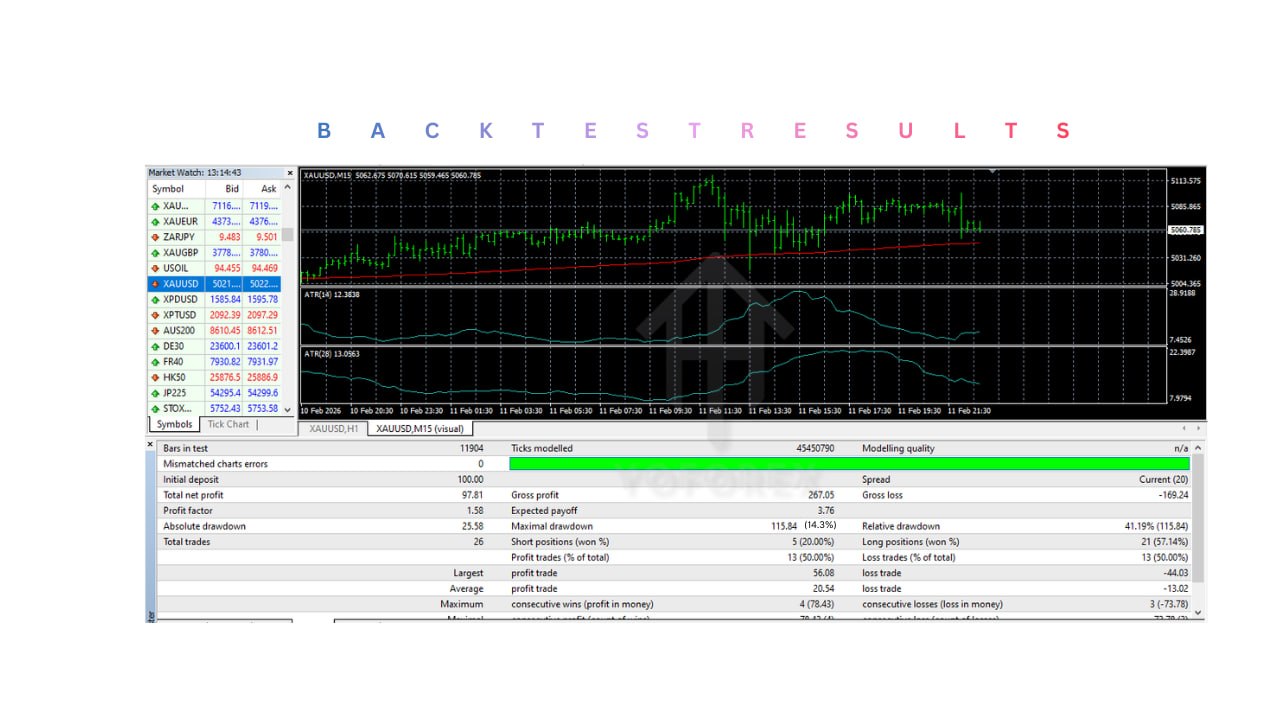
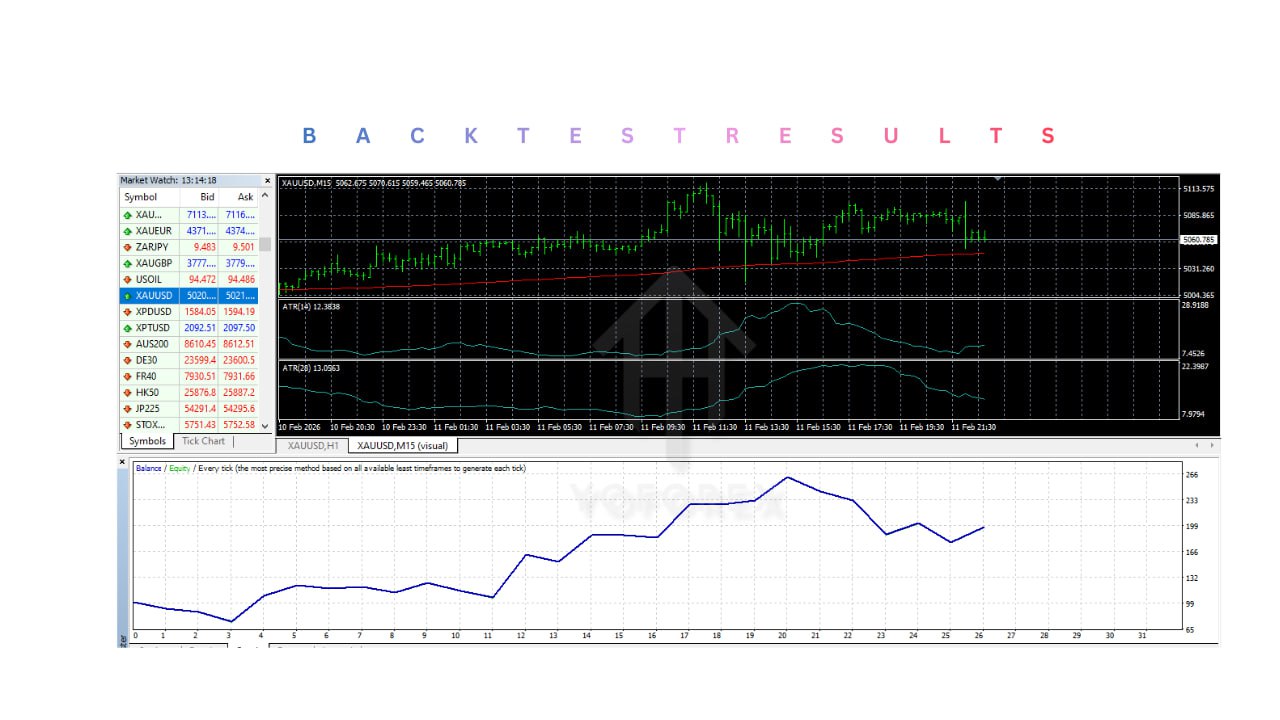
- Backtesting and Optimization: Supports MT4 Strategy Tester for performance evaluation.
- Continuous 24/5 Operation: Can run on a VPS for uninterrupted trading.
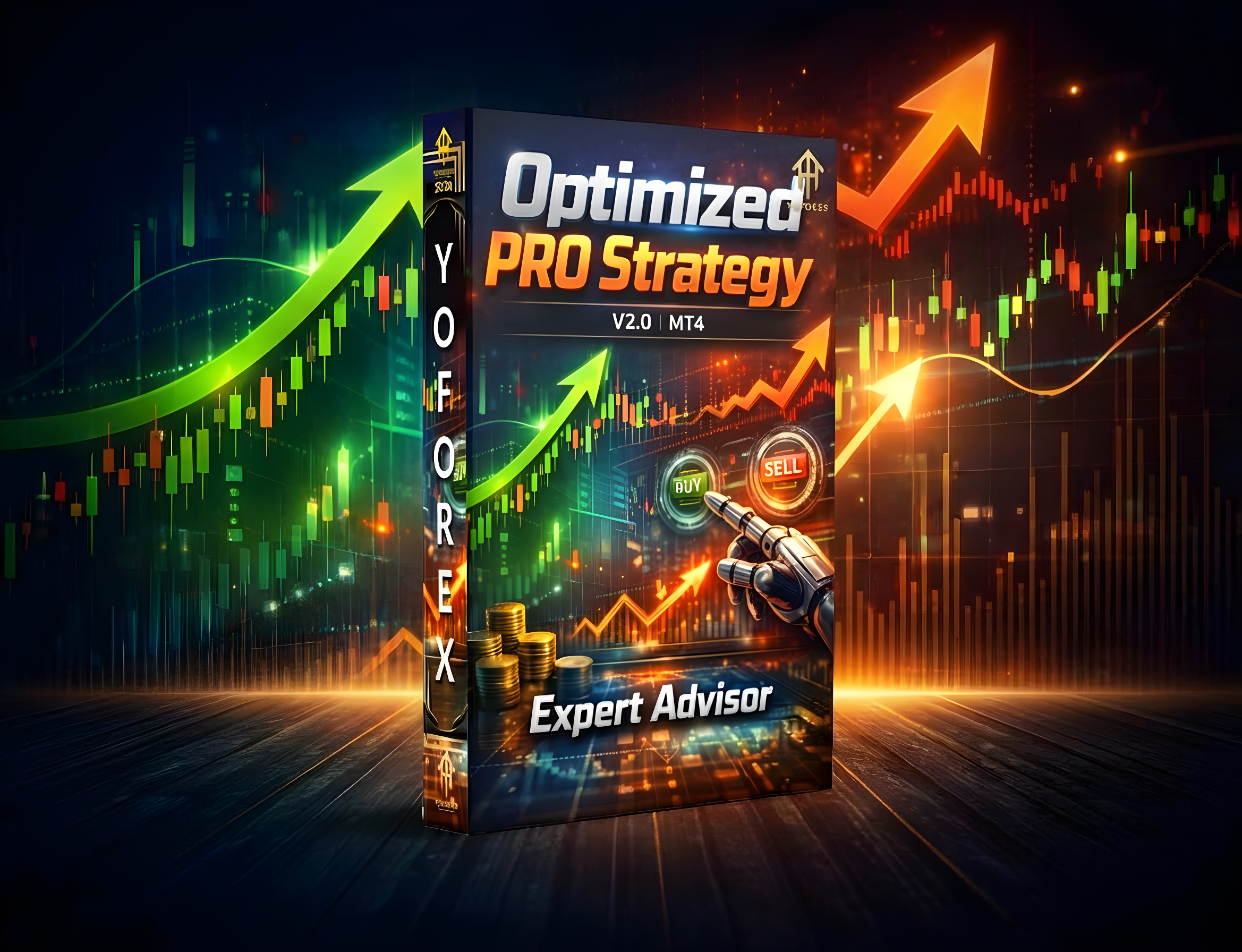
The Optimized PRO Strategy EA V2.0 MT4 is an automated Forex trading system designed for the MetaTrader 4 (MT4) platform. It helps traders automate their trading strategies using algorithm-based decision-making. By analyzing price movements, detecting opportunities, and executing trades, it reduces manual work and eliminates emotional trading.
Login to checkout
Technical Specifications & Requirements
Open MT4 and log in to your trading account.
Access Data Folder: File → Open Data Folder → MQL4 → Experts
Install EA: Copy the EA file into the Experts folder. Add extra files (Indicators/Libraries) if included.
Restart or Refresh MT4.
Enable Automated Trading: Tools → Options → Expert Advisors → Allow automated trading
Locate EA in Navigator Panel → Expert Advisors → Optimized PRO Strategy EA V2.0 MT4.
Open a Trading Chart (recommended: M15 or H1).
Attach EA to Chart and configure input settings (lot size, risk, stop loss, take profit).
Enable AutoTrading and confirm the smiley face icon appears on the chart.
Monitor Performance and make adjustments as needed.
Optional: Use a VPS for 24/7 uninterrupted operation.
Test on a Demo Account before live trading to optimize settings and ensure reliability.
Delivery and support
After payment is confirmed, you can download this product from your dashboard. The file is delivered instantly; no email delay. For MetaTrader EAs, copy the file to your MT4 or MT5 Data Folder and restart the platform. For TradingView, follow the instructions included with the file. If you have any issues, contact us and we will assist you.
Why buy from us
We offer secure payment, instant delivery, and clear documentation. All products are tested and compatible with current platform versions. You get lifetime access to your purchase and can re-download from your account anytime.
For installation guides and tips, visit our Blog. If you have questions about this product or need support, use the Contact page or email—we are here to help.
Customer reviews
Log in to leave a review after purchase.
- No reviews yet. Be the first to review after purchase.