 -98%
MT4
-98%
MT4
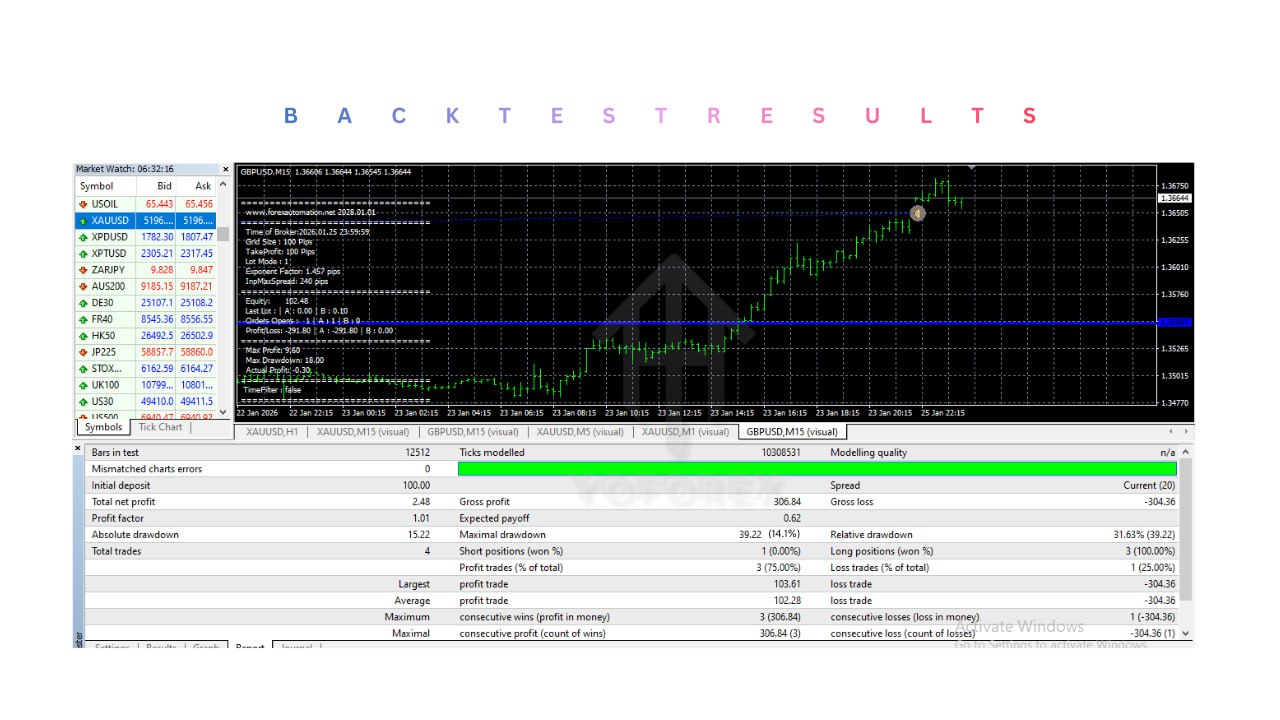
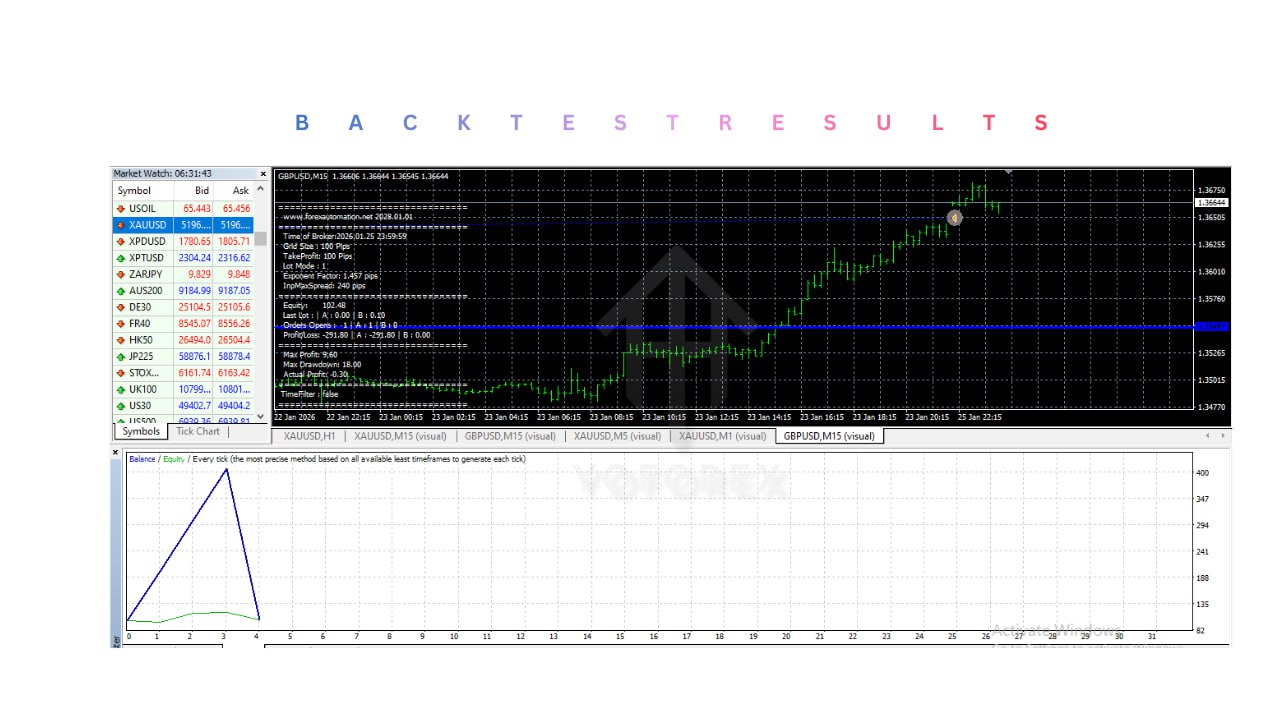
Prop Firm EA V1.0 MT4
- 1. Prop Firm Challenge Optimization
- TS Prop Firm EA is designed to align with prop trading firm rules, focusing on disciplined risk management and controlled trading behavior.
- 2. Multi-Instrument Trading
- The EA supports multiple popular trading instruments:
- EURUSD
- XAUUSD (Gold)
- US30 (Dow Jones Index)
- This allows traders to diversify their automated trading strategies.
- 3. High-Frequency Trading Logic
- The system is designed with high-frequency trading principles, enabling it to identify and execute multiple trading opportunities while maintaining structured risk management.
- 4. Three Risk Modes
- Traders can select from three predefined risk levels:
- Low Risk
- Medium Risk
- High Risk
- This allows flexibility depending on trading goals and account size.
- 5. Economic News Protection
- The EA includes a built-in news filter that prevents new trades from opening 60 minutes before and after major news events, helping reduce risk during volatile market conditions.
- 6. Automatic Risk Management
- TS Prop Firm EA includes essential risk control features such as:
- Stop Loss
- Take Profit
- Trailing Stop
- Maximum Drawdown protection
- 7. Spread Protection
- The EA includes a maximum spread filter to avoid entering trades when market spreads are too high.
- 8. Flexible Trading Schedule
- Users can configure trading hours and trading days, allowing the EA to operate only during selected market sessions.
- 9. Customizable Trading Parameters
- Traders can adjust several parameters including:
- Risk percentage
- Lot size
- Take Profit
- Stop Loss
- Order spacing
- Maximum spread
- 10. VPS Compatible
- The EA is fully compatible with Forex VPS servers, allowing it to run continuously with stable execution and minimal latency.
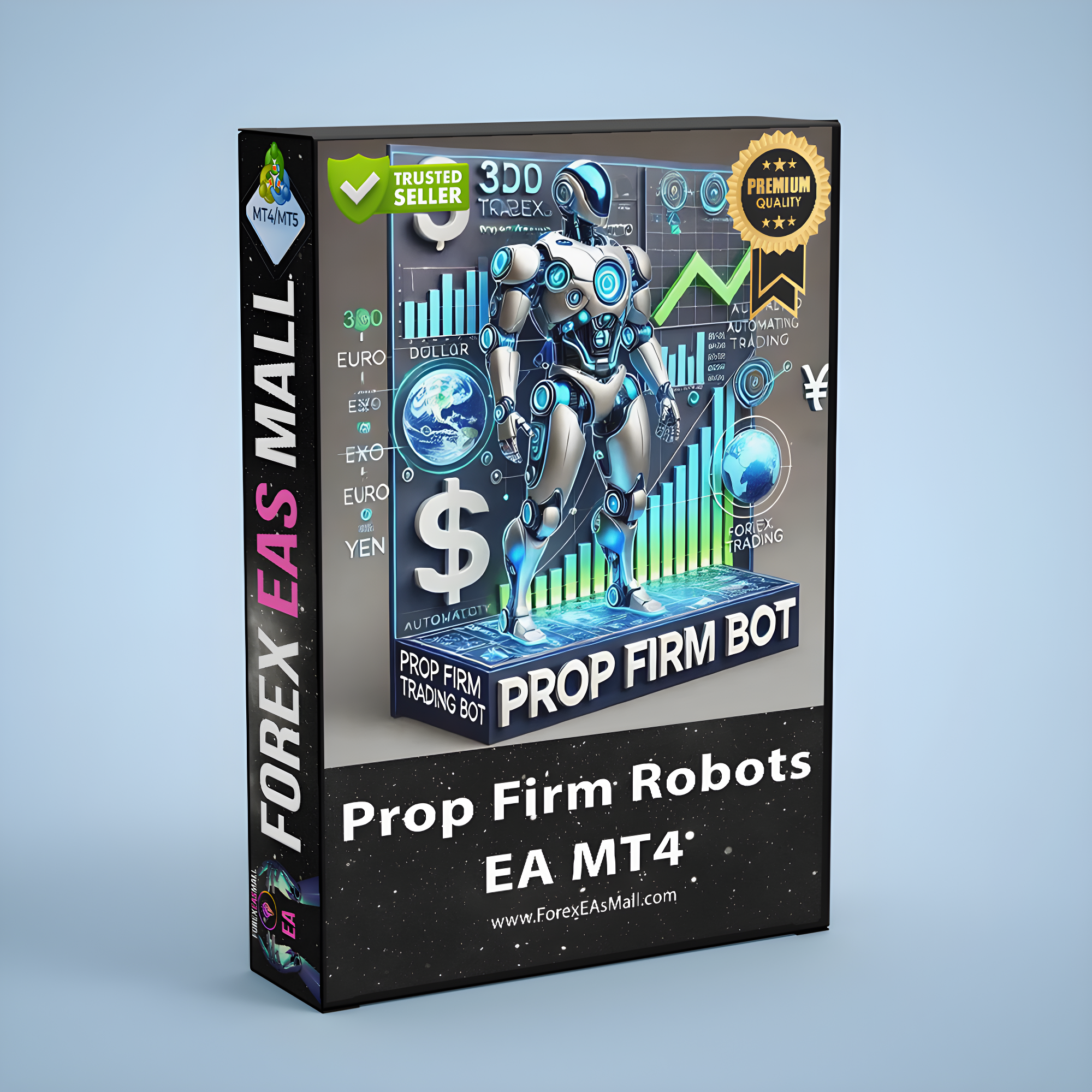
TS Prop Firm EA is a fully automated trading Expert Advisor developed for the MetaTrader 4 (MT4) platform. The system is specifically designed to meet the requirements of prop trading firm challenges, where strict risk control and disciplined trading are essential. The EA supports trading on multiple instruments including EURUSD, XAUUSD (Gold), and US30, providing flexibility for traders who want to diversify their automated strategies. It operates on the H1 (1-hour) timeframe, which helps balance trade frequency with more stable market signals. TS Prop Firm EA is built with a structured algorithmic strategy that focuses on disciplined execution and strong risk management. One of its key features is the ability to adjust trading behavior based on selected risk modes, allowing traders to choose between Low, Medium, or High risk levels depending on their trading objectives and account size. A unique aspect of this EA is its high-impact news protection system. During major economic announcements, the robot automatically pauses trading activity and avoids opening new positions 60 minutes before and 60 minutes after important news events. This helps reduce exposure to extreme volatility often seen during economic releases. Once installed and configured, the EA continuously monitors market conditions, executes trades automatically, and manages positions according to its programmed logic. With its focus on risk control and automated trade management, TS Prop Firm EA provides traders with a structured approach to automated trading while supporting the requirements commonly found in prop firm environments.
Login to checkout
Technical Specifications & Requirements
Download and install the MetaTrader 4 (MT4) trading platform from your broker.
2. Copy the EA File
Place the EA file in the following folder:
MT4 → File → Open Data Folder → MQL4 → Experts
Restart the MT4 platform afterward.
3. Open a Chart
Open a chart for one of the supported instruments:
EURUSD
XAUUSD
US30
Select the H1 timeframe.
4. Attach the EA
From the Navigator panel, drag TS Prop Firm EA onto the chart.
5. Configure Settings
Adjust parameters such as:
Risk mode (Low / Medium / High)
Lot size
Stop Loss and Take Profit
News filter settings
Trading hours
6. Enable AutoTrading
Activate the AutoTrading button in MT4 to allow the EA to start executing trades automatically.
7. Run on a VPS (Recommended)
For uninterrupted trading and better execution, run the EA on a Forex VPS server.
Delivery and support
After payment is confirmed, you can download this product from your dashboard. The file is delivered instantly; no email delay. For MetaTrader EAs, copy the file to your MT4 or MT5 Data Folder and restart the platform. For TradingView, follow the instructions included with the file. If you have any issues, contact us and we will assist you.
Why buy from us
We offer secure payment, instant delivery, and clear documentation. All products are tested and compatible with current platform versions. You get lifetime access to your purchase and can re-download from your account anytime.
For installation guides and tips, visit our Blog. If you have questions about this product or need support, use the Contact page or email—we are here to help.
Customer reviews
Log in to leave a review after purchase.
- No reviews yet. Be the first to review after purchase.