 -94%
MT5
-94%
MT5
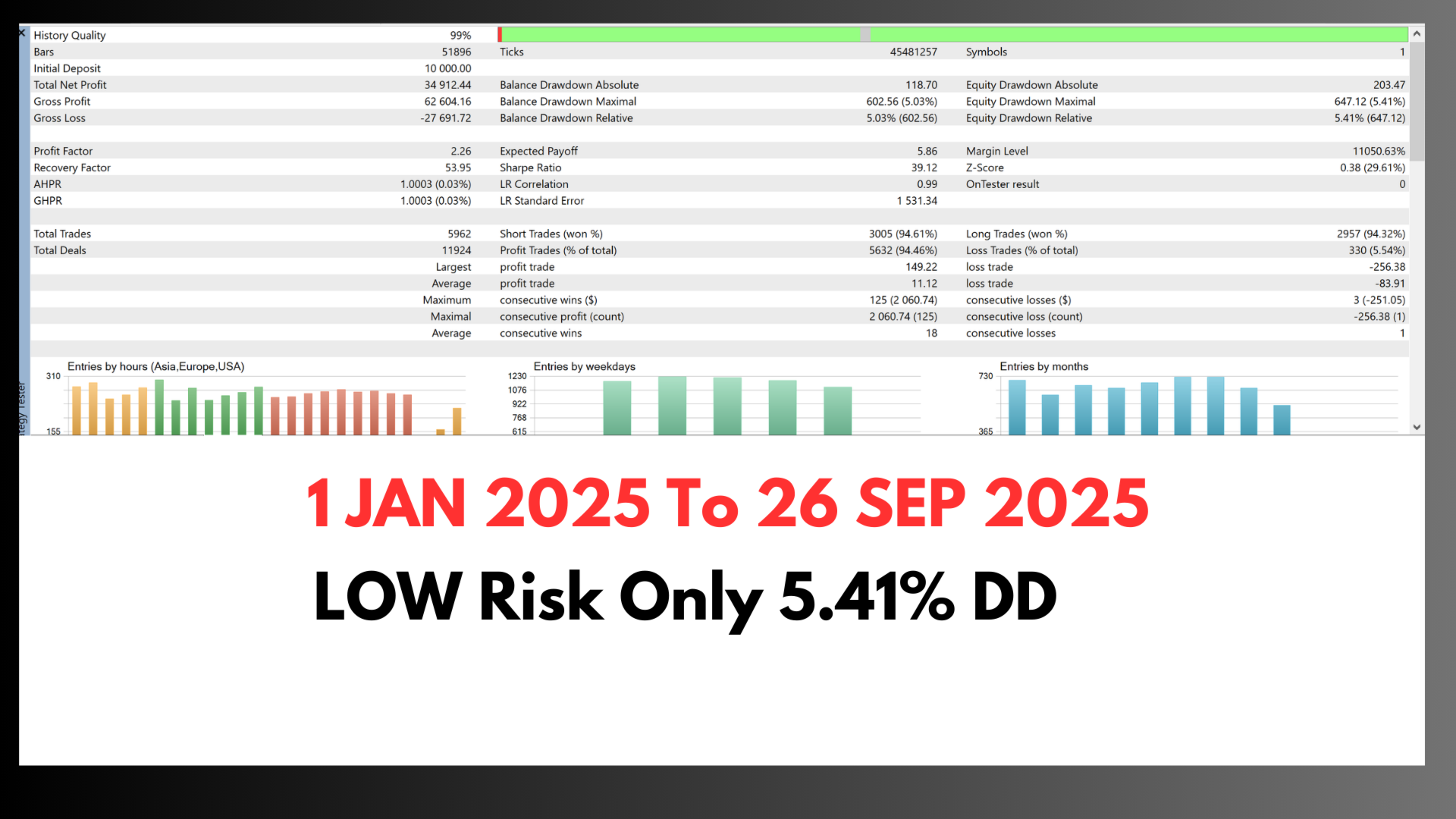
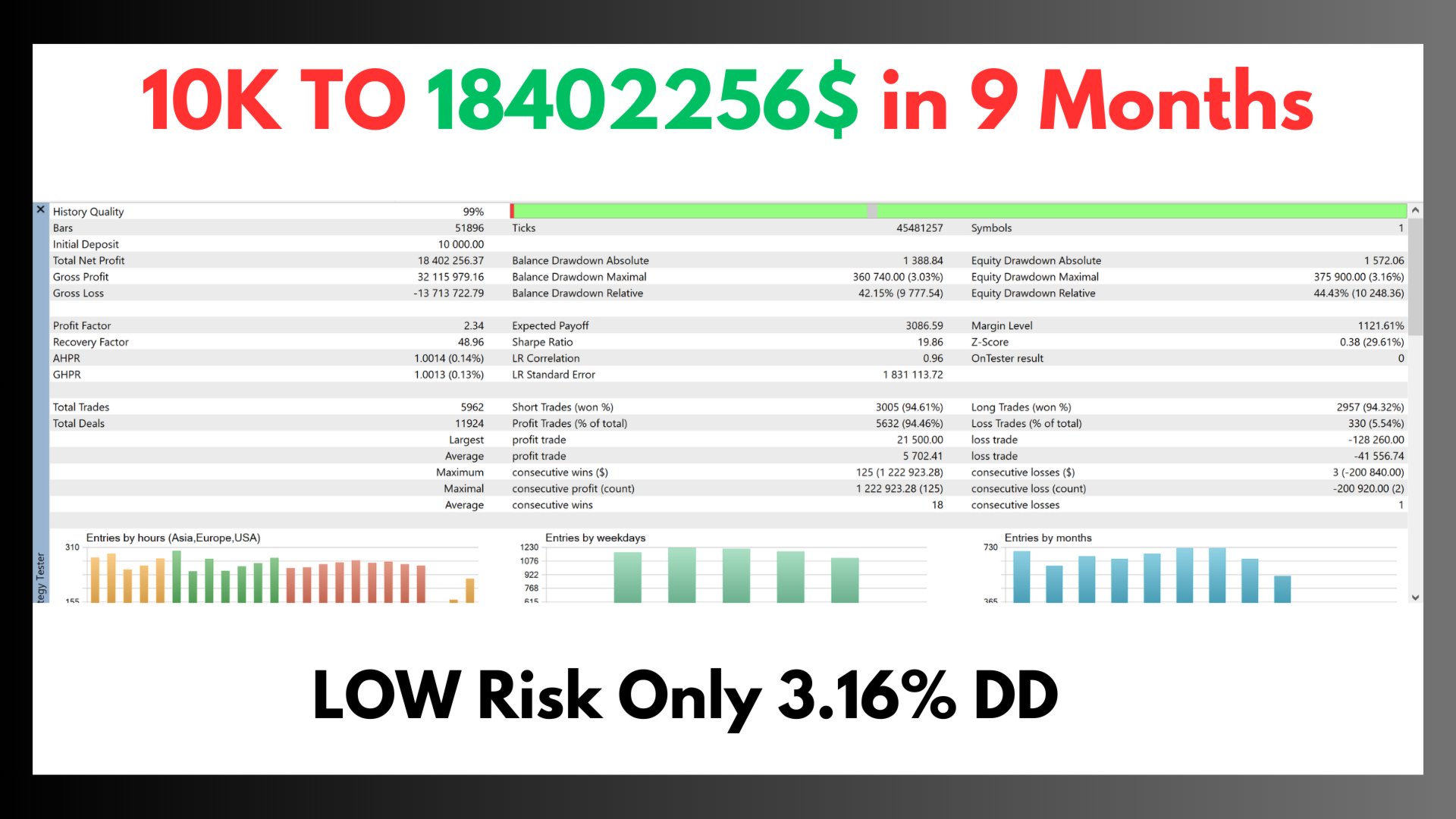
Red Dragon MT5+setfile
- Fully Automated Trading
- The EA operates continuously throughout the trading week (24/5), automatically scanning the market and executing trades without manual intervention.
- Price Action Confirmation
- Trades are executed only after price action confirms the setup, helping filter out weak or random entries.
- Integrated Risk Management
- Each trade includes a predefined Stop Loss (SL) and Take Profit (TP) to protect trading capital and manage risk effectively.
- Multi-Pair Market Scanning
- The EA can analyze multiple currency pairs simultaneously, increasing the chances of finding trading opportunities.
- Customizable Trading Settings
- Users can easily adjust key parameters such as lot size, stop loss, take profit, and risk levels to suit their trading style.
This Expert Advisor (EA) is an automated trading system designed to identify and execute short-term trading opportunities in the Forex and Gold markets. The core algorithm combines price action analysis with multiple technical indicators to detect high-probability setups before entering a trade. The EA focuses on fast trade execution, often opening and closing positions within minutes to capture small profit targets. Instead of entering the market randomly, the system waits for confirmation signals such as price rejection from key support or resistance levels before executing a trade. For example, when monitoring XAUUSD on the M5 timeframe, the EA may detect strong volatility as price approaches a support zone. Once confirmation appears—such as a rejection candle or momentum shift—the EA opens a BUY trade, placing a tight Stop Loss below the support level and a Take Profit near the next micro-resistance level. This approach allows the EA to focus on confirmed market setups with controlled risk, rather than relying on aggressive strategies.
Login to checkout
Technical Specifications & Requirements
Copy the EA file into the Experts folder in the platform directory.
Restart the trading platform.
Enable AutoTrading / Algorithmic Trading in the platform settings.
Open a chart for XAUUSD on the M5 or M15 timeframe.
Attach the EA to the chart and configure the desired settings.
Delivery and support
After payment is confirmed, you can download this product from your dashboard. The file is delivered instantly; no email delay. For MetaTrader EAs, copy the file to your MT4 or MT5 Data Folder and restart the platform. For TradingView, follow the instructions included with the file. If you have any issues, contact us and we will assist you.
Why buy from us
We offer secure payment, instant delivery, and clear documentation. All products are tested and compatible with current platform versions. You get lifetime access to your purchase and can re-download from your account anytime.
For installation guides and tips, visit our Blog. If you have questions about this product or need support, use the Contact page or email—we are here to help.
Customer reviews
Log in to leave a review after purchase.
- No reviews yet. Be the first to review after purchase.