 -99%
MT5
-99%
MT5
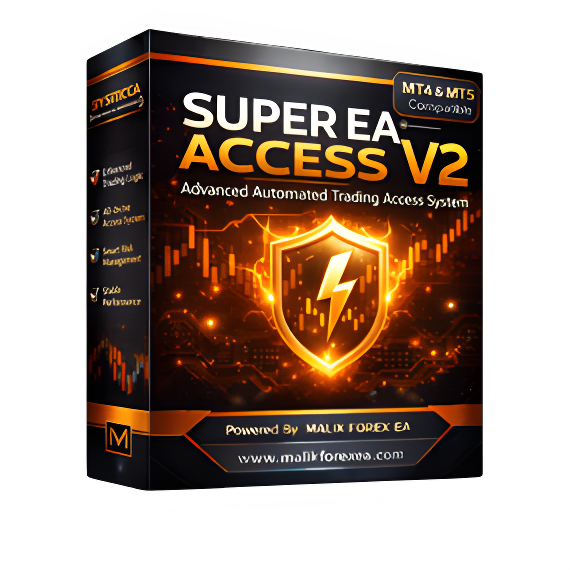
SUPER EA ACCESS V2 EA MT5
- Fully automated trading system
- Advanced Version 2 trading logic
- Structured and disciplined execution
- Adaptive behavior for trends and volatility
- Adjustable lot size and risk settings
- Exposure and drawdown control
- Trade filtering during unstable markets
- Controlled trade frequency
- Multi-pair compatibility
- Works on MT5
- Suitable for demo and live accounts
- Stable long-term automation
SUPER EA ACCESS V2 is an advanced automated trading Expert Advisor designed to provide structured and stable trading on MetaTrader platforms. The system uses refined trading logic to monitor market conditions and execute trades only when predefined rules are met, ensuring disciplined and controlled automation. Version 2 introduces improved trade management, smoother execution, and enhanced stability compared to previous versions. The EA adapts to different market conditions including trends, pullbacks, and volatility while maintaining controlled trade frequency to reduce unnecessary risk. SUPER EA ACCESS V2 includes smart risk management tools such as adjustable lot sizing, exposure control, and drawdown protection, allowing traders to customize risk according to their account size and trading preferences. The EA is fully automated and designed for hands-free trading once installed and configured. It supports multiple currency pairs and timeframes, making it a flexible solution for traders seeking consistent automated performance with strong capital protection.
Login to checkout
Technical Specifications & Requirements
Open MetaTrader platform.
Click File → Open Data Folder.
Open → MQL5 → Experts.
Copy the EA file into the Experts folder.
Restart MetaTrader.
Attach the EA to a chart.
Enable AutoTrading.
Adjust settings if needed.
Delivery and support
After payment is confirmed, you can download this product from your dashboard. The file is delivered instantly; no email delay. For MetaTrader EAs, copy the file to your MT4 or MT5 Data Folder and restart the platform. For TradingView, follow the instructions included with the file. If you have any issues, contact us and we will assist you.
Why buy from us
We offer secure payment, instant delivery, and clear documentation. All products are tested and compatible with current platform versions. You get lifetime access to your purchase and can re-download from your account anytime.
For installation guides and tips, visit our Blog. If you have questions about this product or need support, use the Contact page or email—we are here to help.
Customer reviews
Log in to leave a review after purchase.
- No reviews yet. Be the first to review after purchase.