 -96%
MT5
-96%
MT5
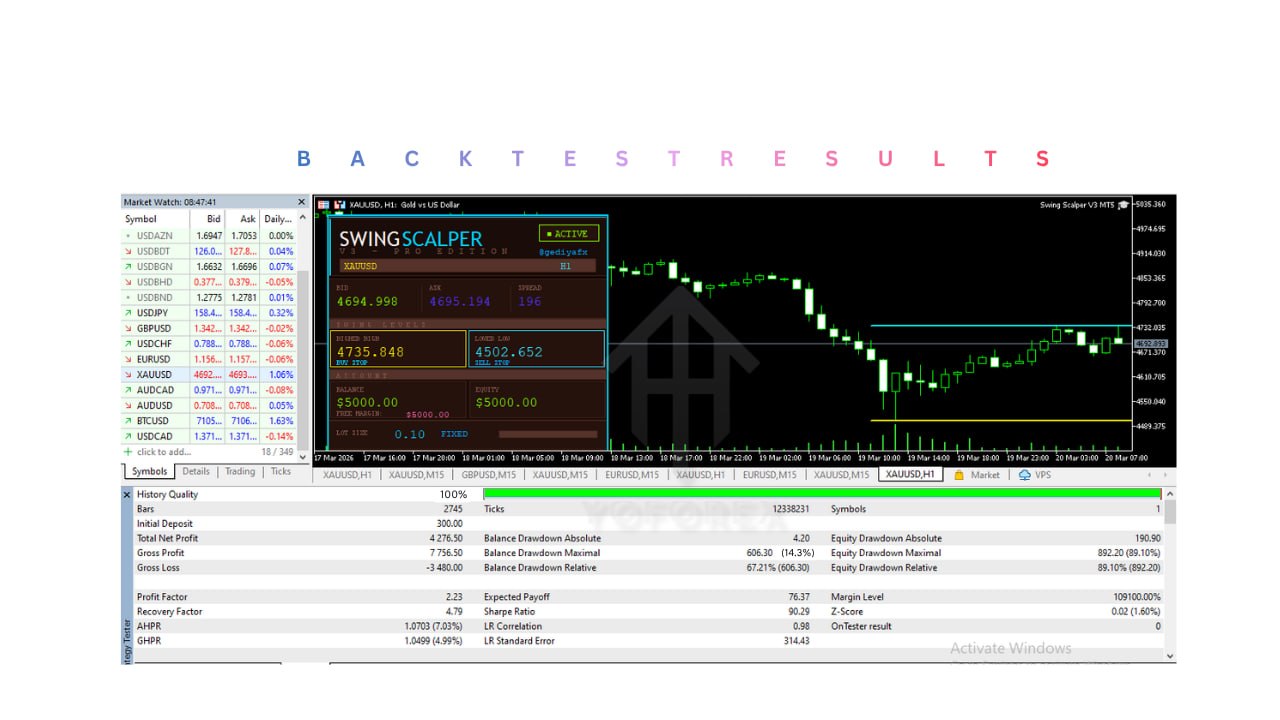
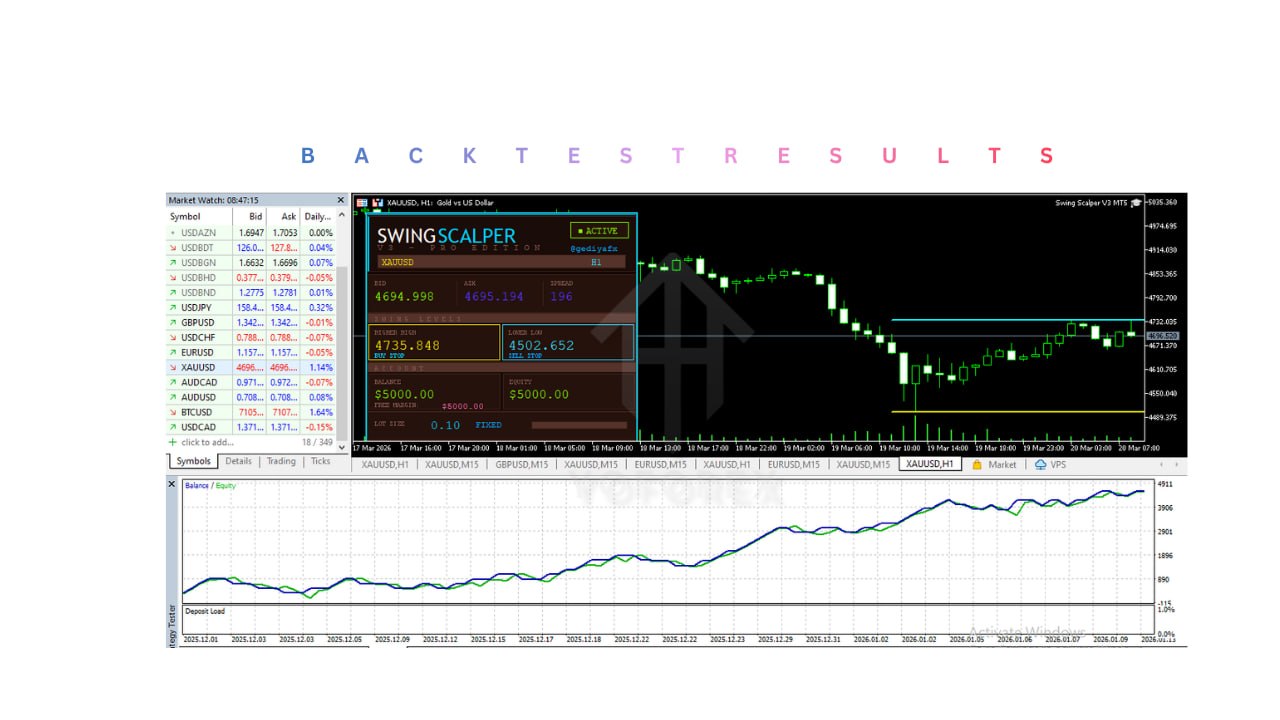
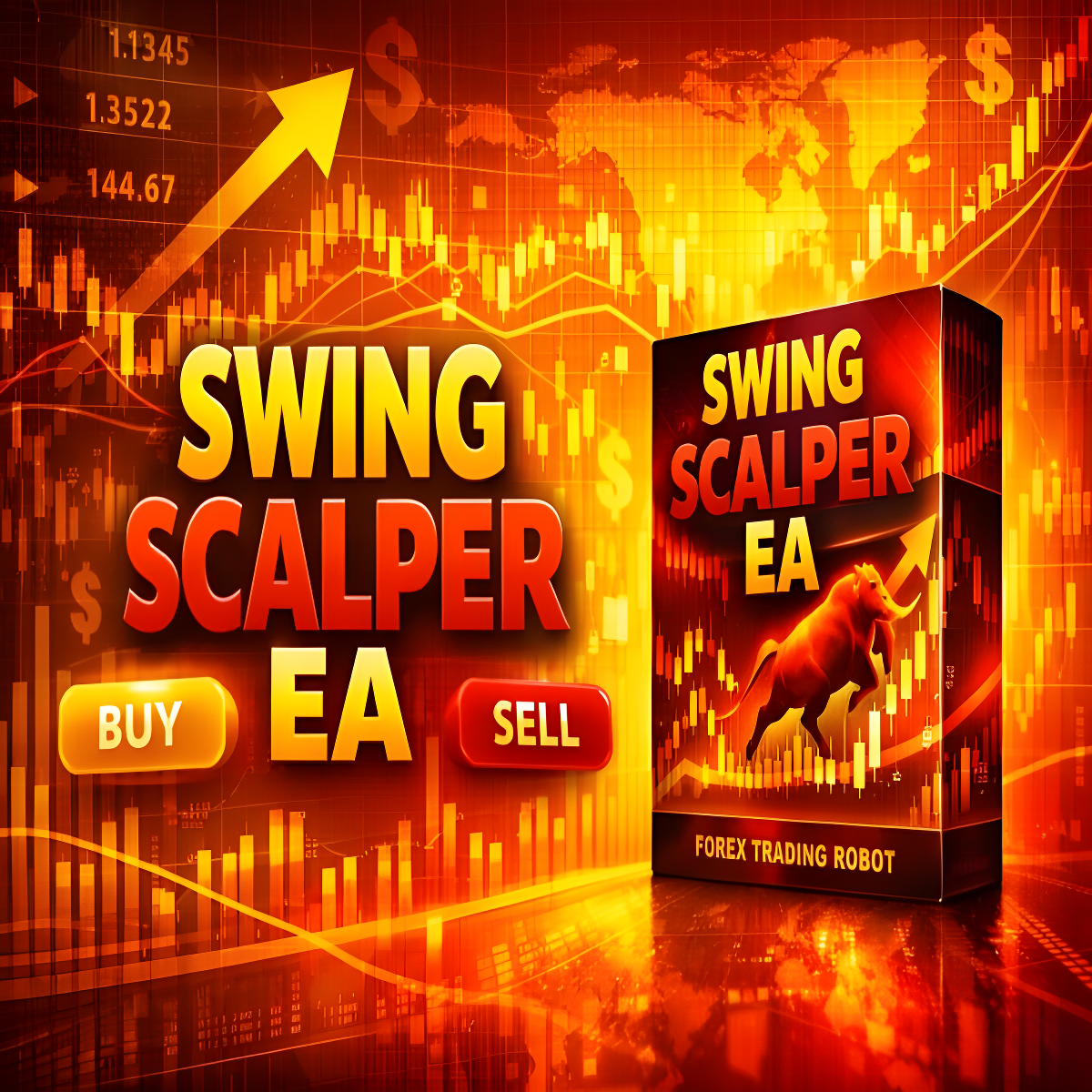
Swing Scalper EA V3.0 MT5
- Hybrid Trading Strategy
- Combines scalping and swing trading to maximize opportunities in different market conditions.
- Fully Automated Execution
- Opens, manages, and closes trades automatically without manual intervention.
- Advanced Market Analysis
- Uses trend, momentum, and volatility indicators to identify high-probability setups.
- Smart Risk Management System
- Includes Stop Loss, Take Profit, and optional trailing stop to control risk effectively.
- Multi-Timeframe Support
- Works across M5, M15, H1, and higher timeframes for flexible trading styles.
- Multi-Pair Compatibility
- Can trade multiple currency pairs, allowing portfolio diversification.
- Customizable Settings
- Adjustable lot size, risk level, and trading parameters to match different strategies.
- Adaptive Trading Logic
- Automatically adjusts behavior based on market conditions (volatile vs trending).
Swing Scalper EA v3.0 MT5 is a hybrid automated trading system designed to combine the speed of scalping with the stability of swing trading. Built specifically for the MetaTrader 5 (MT5) platform, this Expert Advisor is engineered to capture both short-term price fluctuations and longer-term market trends, giving traders a wider range of trading opportunities. Unlike traditional EAs that rely on a single strategy, Swing Scalper EA adapts dynamically to market conditions. During high volatility, it focuses on quick scalping trades to capture rapid price movements. In more stable market environments, it shifts toward swing trading, holding positions longer to benefit from broader trends. This dual-strategy approach makes it suitable for traders who want flexibility, efficiency, and consistent performance. By automating trade execution and eliminating emotional decisions, the EA ensures disciplined trading with structured risk management. Whether you are a beginner exploring automation or an experienced trader looking for a versatile system, Swing Scalper EA offers a balanced and adaptive solution.
Login to checkout
Technical Specifications & Requirements
Download the EA file after purchase.
Open your MetaTrader 5 platform.
Click on File → Open Data Folder.
Navigate to MQL5 → Experts and paste the EA file.
Restart MT5 to load the EA.
Open a chart for your preferred currency pair (e.g., EURUSD).
Choose timeframe:
M5 / M15 for scalping
H1 for swing trading
Drag and drop the EA onto the chart.
Enable AutoTrading to allow automated execution.
Adjust settings such as lot size, risk level, and Stop Loss / Take Profit.
For best results, run the EA on a VPS and test it on a demo account for at least two weeks before using it on a live account.
Delivery and support
After payment is confirmed, you can download this product from your dashboard. The file is delivered instantly; no email delay. For MetaTrader EAs, copy the file to your MT4 or MT5 Data Folder and restart the platform. For TradingView, follow the instructions included with the file. If you have any issues, contact us and we will assist you.
Why buy from us
We offer secure payment, instant delivery, and clear documentation. All products are tested and compatible with current platform versions. You get lifetime access to your purchase and can re-download from your account anytime.
For installation guides and tips, visit our Blog. If you have questions about this product or need support, use the Contact page or email—we are here to help.
Customer reviews
Log in to leave a review after purchase.
- No reviews yet. Be the first to review after purchase.