 -95%
MT4
-95%
MT4
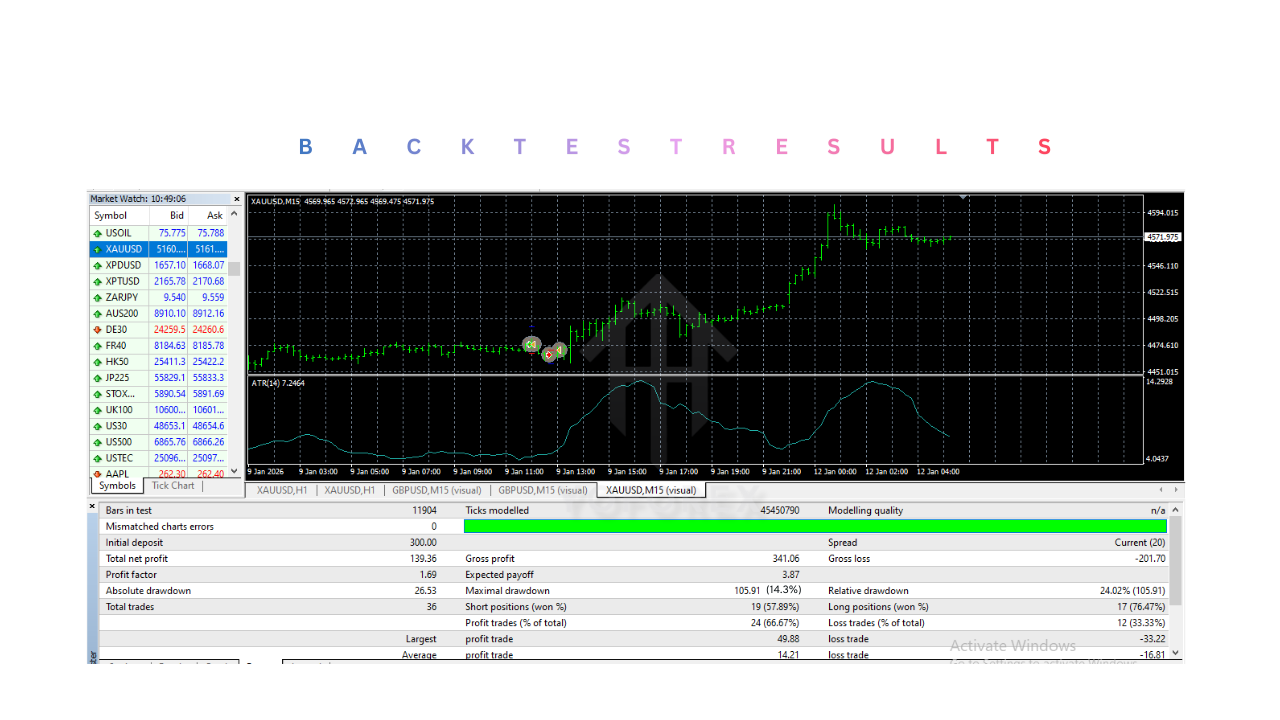
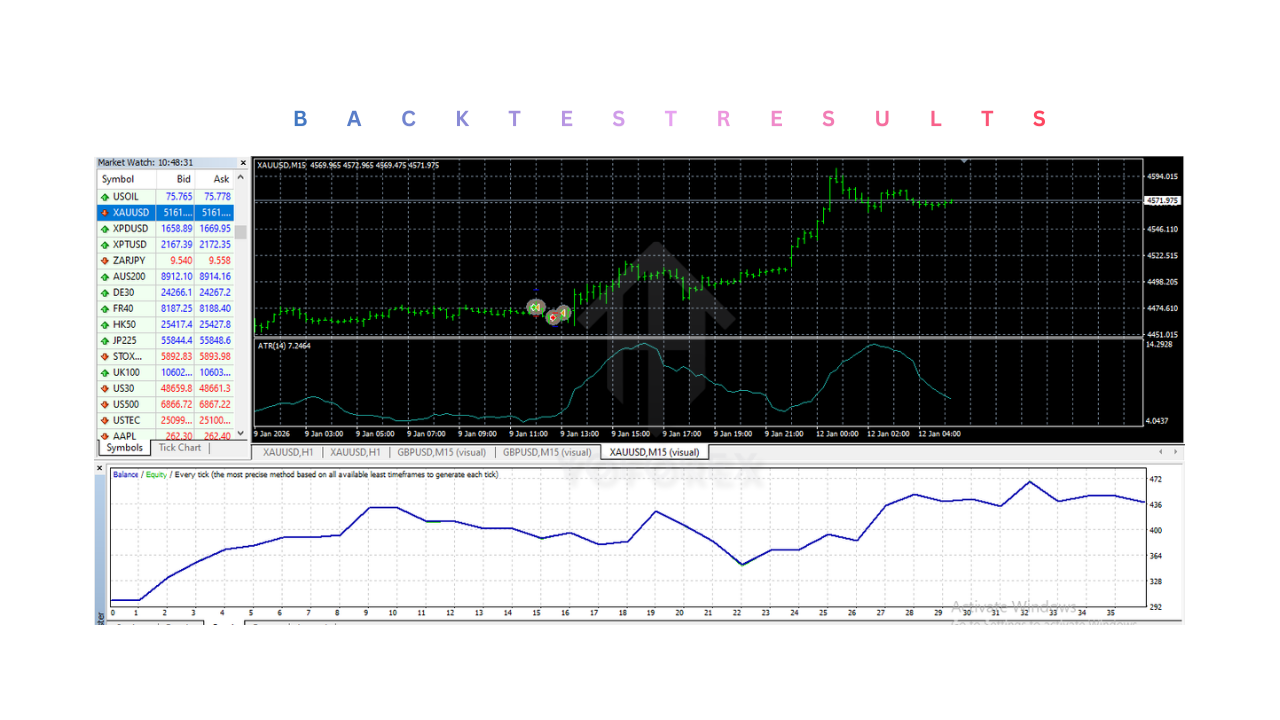
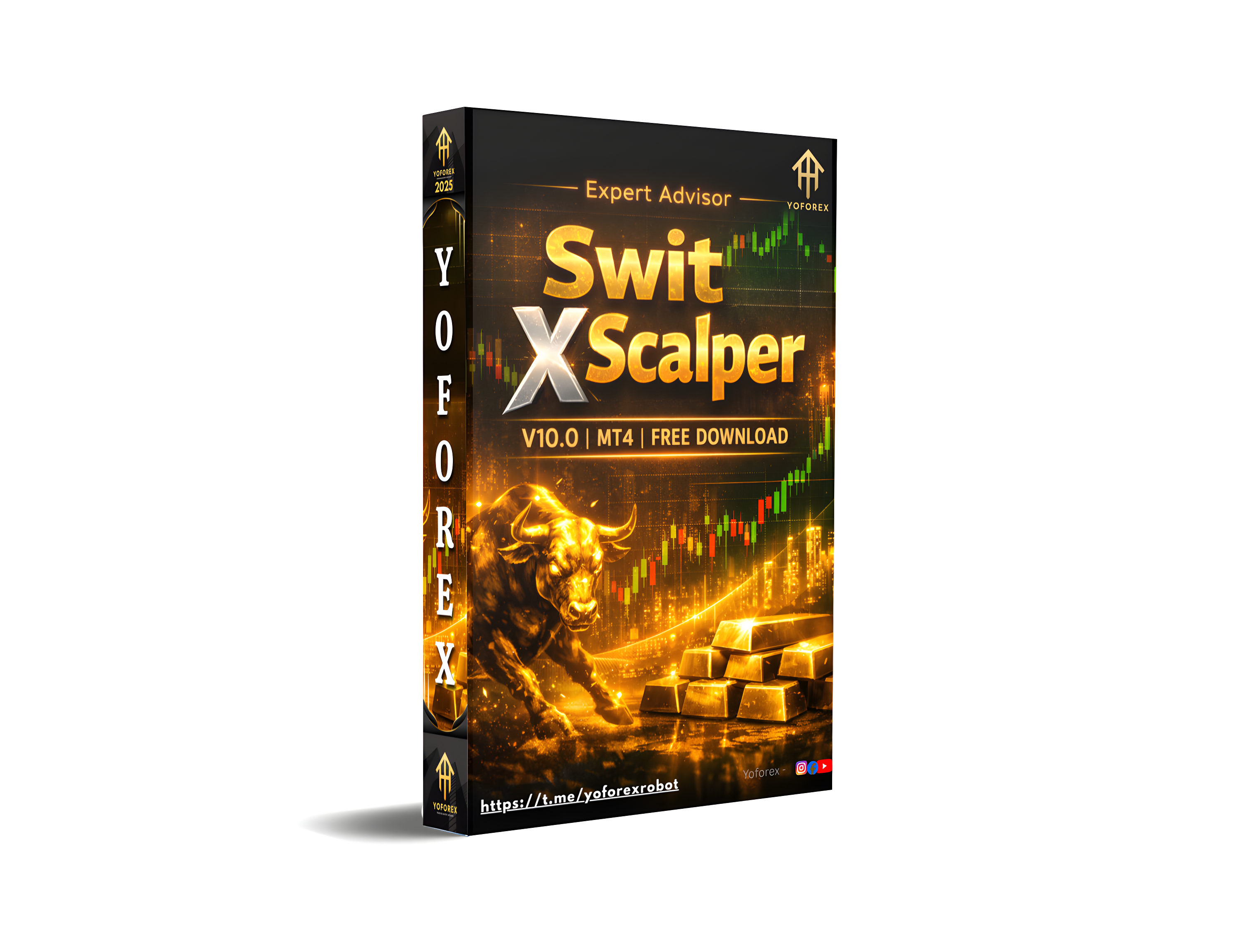
Swit X Scalper EA V10.0 MT4
- Automated Scalping System
- The EA performs fully automated scalping in the forex market.
- Real-Time Market Analysis
- Continuously analyzes live market data including price action, volatility, and indicator signals.
- Fast Trade Execution
- Designed to open and close trades quickly once trading conditions are met.
- Short-Term Trading Optimization
- Optimized for short-term trading strategies on lower timeframes.
- Built-In Risk Management
- Includes stop loss and take profit features to protect trading capital.
- Automatic Trade Management
- Monitors and manages open trades without manual intervention.
- Customizable Trading Settings
- Allows adjustment of lot size, risk levels, and other parameters.
- Continuous Market Monitoring
- Scans the market continuously while the platform is active.
- MetaTrader 4 Compatibility
- Fully integrated with the MetaTrader 4 trading environment.
- User-Friendly Operation
- Simple installation and configuration process suitable for both beginners and experienced traders.
- Consistent Strategy Execution
- Follows predefined algorithm rules to ensure consistent trading behavior.
- VPS Compatibility
- Can operate continuously on VPS servers to avoid missing trading opportunities.
Automated trading has become an essential part of modern forex trading. Many traders use Expert Advisors (EAs) to simplify trading decisions, improve efficiency, and maintain consistency in the market. Manual trading often requires constant monitoring of charts, analyzing indicators, and making quick decisions based on market conditions. However, not every trader has the time or experience to perform these tasks effectively. Expert Advisors help solve these challenges by automating the trading process. These programs analyze market conditions and execute trades automatically according to predefined rules. By removing emotional decision-making and human errors, automated systems can help traders follow a consistent strategy. Swit X Scalper EA V10.0 MT4 is an automated trading system designed for the MetaTrader 4 platform. The EA focuses on short-term trading opportunities using scalping strategies, which aim to capture small price movements that occur frequently during the trading session. The system analyzes market data, detects short-term opportunities, and executes trades automatically when suitable conditions appear. It is designed for traders who prefer automated trading while still maintaining control over account settings and risk management. By combining algorithm-based analysis with the MetaTrader 4 trading environment, Swit X Scalper EA V10.0 MT4 offers a structured approach to participating in the forex market.
Login to checkout
Technical Specifications & Requirements
Download the Swit X Scalper EA V10.0 MT4 file.
Open the Data Folder in MetaTrader 4.
Navigate to MQL4 → Experts.
Copy the EA file into the Experts folder.
Restart or refresh the MetaTrader 4 platform.
Open a chart for your preferred trading instrument.
Set the chart timeframe to M1 or M5.
Drag the EA onto the chart from the Navigator panel.
Configure trading settings such as lot size and risk level.
Enable AutoTrading in MetaTrader 4.
Allow live trading permissions in the EA settings.
Once activated, the EA will begin monitoring market conditions and executing trades automatically.
Delivery and support
After payment is confirmed, you can download this product from your dashboard. The file is delivered instantly; no email delay. For MetaTrader EAs, copy the file to your MT4 or MT5 Data Folder and restart the platform. For TradingView, follow the instructions included with the file. If you have any issues, contact us and we will assist you.
Why buy from us
We offer secure payment, instant delivery, and clear documentation. All products are tested and compatible with current platform versions. You get lifetime access to your purchase and can re-download from your account anytime.
For installation guides and tips, visit our Blog. If you have questions about this product or need support, use the Contact page or email—we are here to help.
Customer reviews
Log in to leave a review after purchase.
- No reviews yet. Be the first to review after purchase.