 -98%
MT4
-98%
MT4
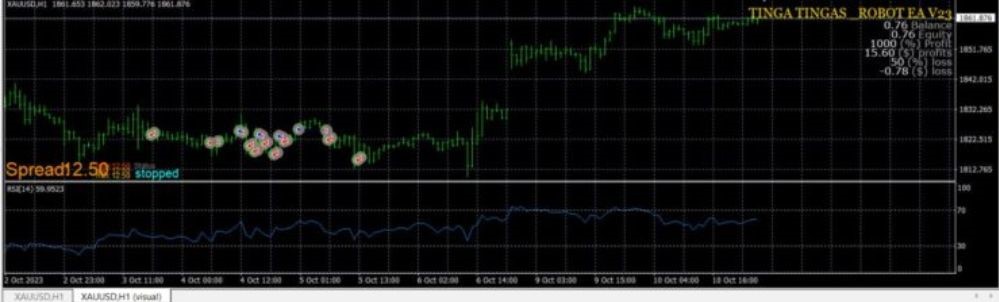
TINGA TINGA EA MT4 Unlimited+Source Code +setfile(Original version)
- 24/7 Automated Trading
- The EA continuously monitors the market and automatically opens and closes trades based on its trading algorithms.
- Advanced Trend Detection
- The system identifies emerging trends and potential reversals using advanced trend-following techniques.
- Integrated Risk Management
- Built-in Stop Loss and Take Profit systems help protect trading capital and secure profits.
- Multi-Strategy Trading System
- Tinga Tinga Robot EA combines several trading strategies, including:
- Trend-following strategy
- Breakout strategy
- Grid-based trading approach
- This allows the EA to adapt to different market conditions.
- Flexible Customization
- Traders can modify the EA parameters, risk levels, and trading settings to suit their personal trading strategies.
Tinga Tinga Robot EA is a sophisticated automated trading system developed for the MetaTrader 4 (MT4) platform. Designed to improve trading efficiency, the EA uses advanced algorithms to analyze market conditions and automatically execute trades with precision. The system continuously scans the Forex market to identify potential trading opportunities, using a combination of trend analysis, breakout detection, and strategic trade management. By automatically managing entries and exits, the EA aims to reduce emotional trading decisions and maintain a disciplined trading approach. With flexible settings and built-in risk management tools, Tinga Tinga Robot EA allows traders to customize the strategy according to their risk tolerance and trading style, making it suitable for both beginner and experienced Forex traders.
Login to checkout
Technical Specifications & Requirements
Open your MetaTrader 4 platform.
Go to File → Open Data Folder → MQL4 → Experts.
Copy the EA file into the Experts folder.
Restart the MT4 platform.
Open a chart for XAUUSD.
Select the recommended timeframe (M1 or M5).
Attach the EA to the chart and enable AutoTrading.
Delivery and support
After payment is confirmed, you can download this product from your dashboard. The file is delivered instantly; no email delay. For MetaTrader EAs, copy the file to your MT4 or MT5 Data Folder and restart the platform. For TradingView, follow the instructions included with the file. If you have any issues, contact us and we will assist you.
Why buy from us
We offer secure payment, instant delivery, and clear documentation. All products are tested and compatible with current platform versions. You get lifetime access to your purchase and can re-download from your account anytime.
For installation guides and tips, visit our Blog. If you have questions about this product or need support, use the Contact page or email—we are here to help.
Customer reviews
Log in to leave a review after purchase.
- No reviews yet. Be the first to review after purchase.