 -98%
MT5
-98%
MT5
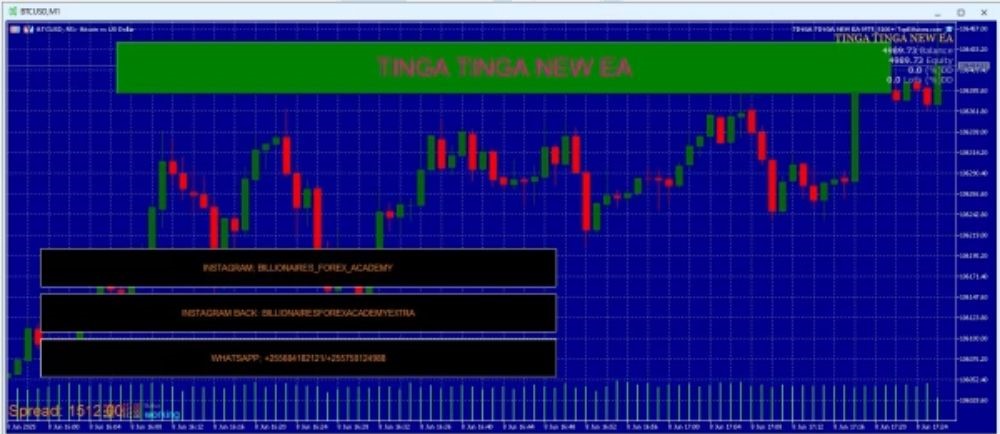
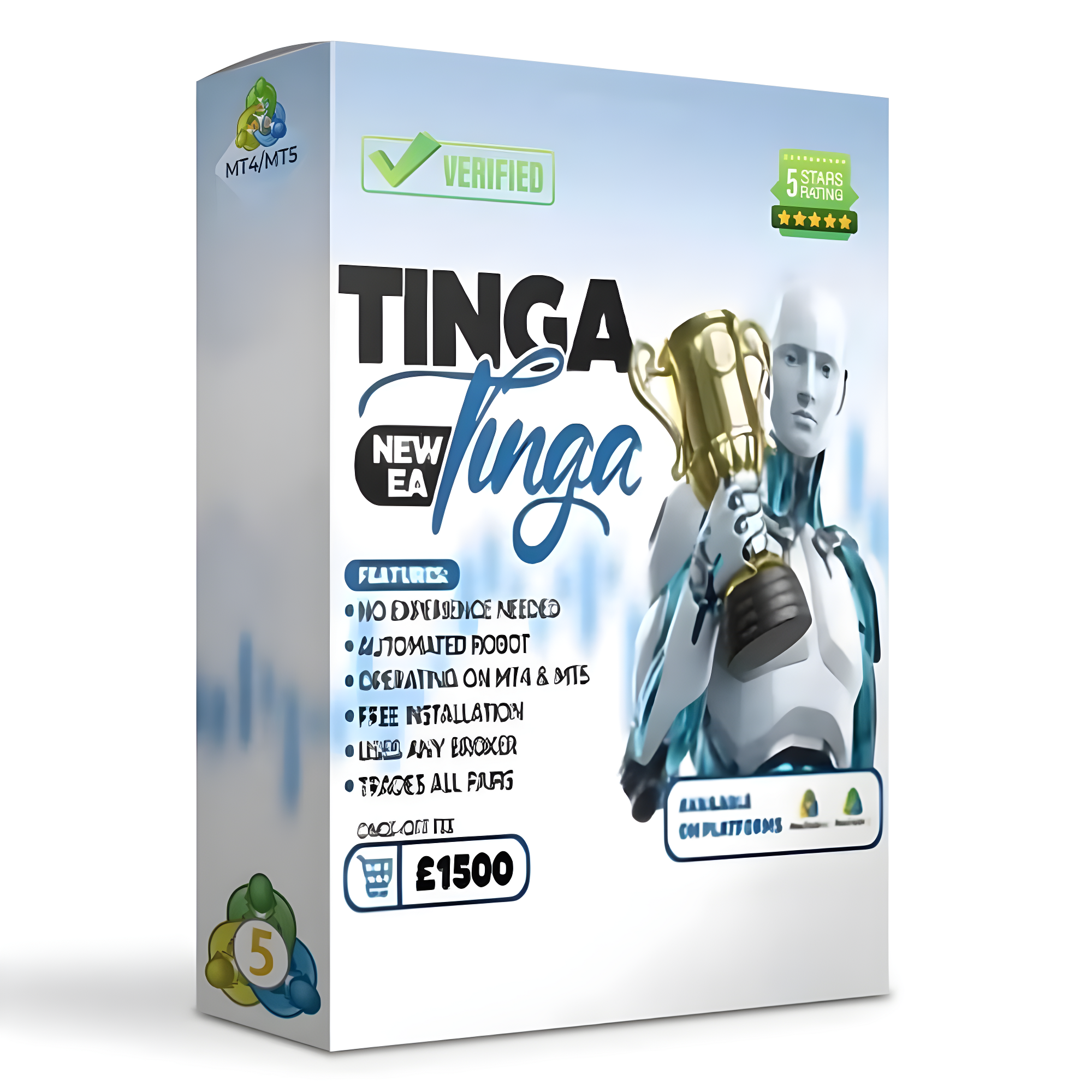
TINGA TINGA NEW EA MT5 + SetFiles
- EMA Crossover Strategy
- The EA identifies trend changes using exponential moving average crossovers, helping detect potential trading opportunities early.
- Advanced Pip Filtering
- A built-in 4-pip gap filter and 20-pip close confirmation reduce false signals and avoid trading during low-momentum or sideways markets.
- Fully Automated Trading
- The EA automatically analyzes market conditions and executes trades without manual intervention.
- Multiple EA Compatibility
- A unique Magic Number system ensures the EA can run alongside other Expert Advisors without trade conflicts.
- NoDLL System
- The EA does not require external DLL files, making it safer and easier to install on any MT5 platform.
- Beginner-Friendly Setup
- Simple configuration allows traders to start automated trading quickly.
TINGA TINGA NEW EA is a fully automated trading robot developed for the MetaTrader 5 (MT5) platform. The system combines classic technical analysis tools with modern trading filters to improve trade accuracy and reduce false signals. The EA is built around an EMA crossover strategy, enhanced with precise pip-based filters that help confirm market conditions before opening trades. This approach allows the system to identify reliable entry and exit points automatically, reducing emotional trading decisions. Designed for both beginner and experienced traders, TINGA TINGA NEW EA focuses on simplicity, automation, and compatibility with most brokers. With its NoDLL architecture, the EA operates directly within MetaTrader without requiring external files or complicated installations.
Login to checkout
Technical Specifications & Requirements
Open the MetaTrader 5 platform.
Go to File → Open Data Folder → MQL5 → Experts.
Copy the EA file into the Experts folder.
Restart the MT5 platform.
Open a chart for XAUUSD.
Attach the EA to the chart.
Enable AutoTrading to allow the EA to trade automatically.
Delivery and support
After payment is confirmed, you can download this product from your dashboard. The file is delivered instantly; no email delay. For MetaTrader EAs, copy the file to your MT4 or MT5 Data Folder and restart the platform. For TradingView, follow the instructions included with the file. If you have any issues, contact us and we will assist you.
Why buy from us
We offer secure payment, instant delivery, and clear documentation. All products are tested and compatible with current platform versions. You get lifetime access to your purchase and can re-download from your account anytime.
For installation guides and tips, visit our Blog. If you have questions about this product or need support, use the Contact page or email—we are here to help.
Customer reviews
Log in to leave a review after purchase.
- No reviews yet. Be the first to review after purchase.