 -95%
MT4
-95%
MT4
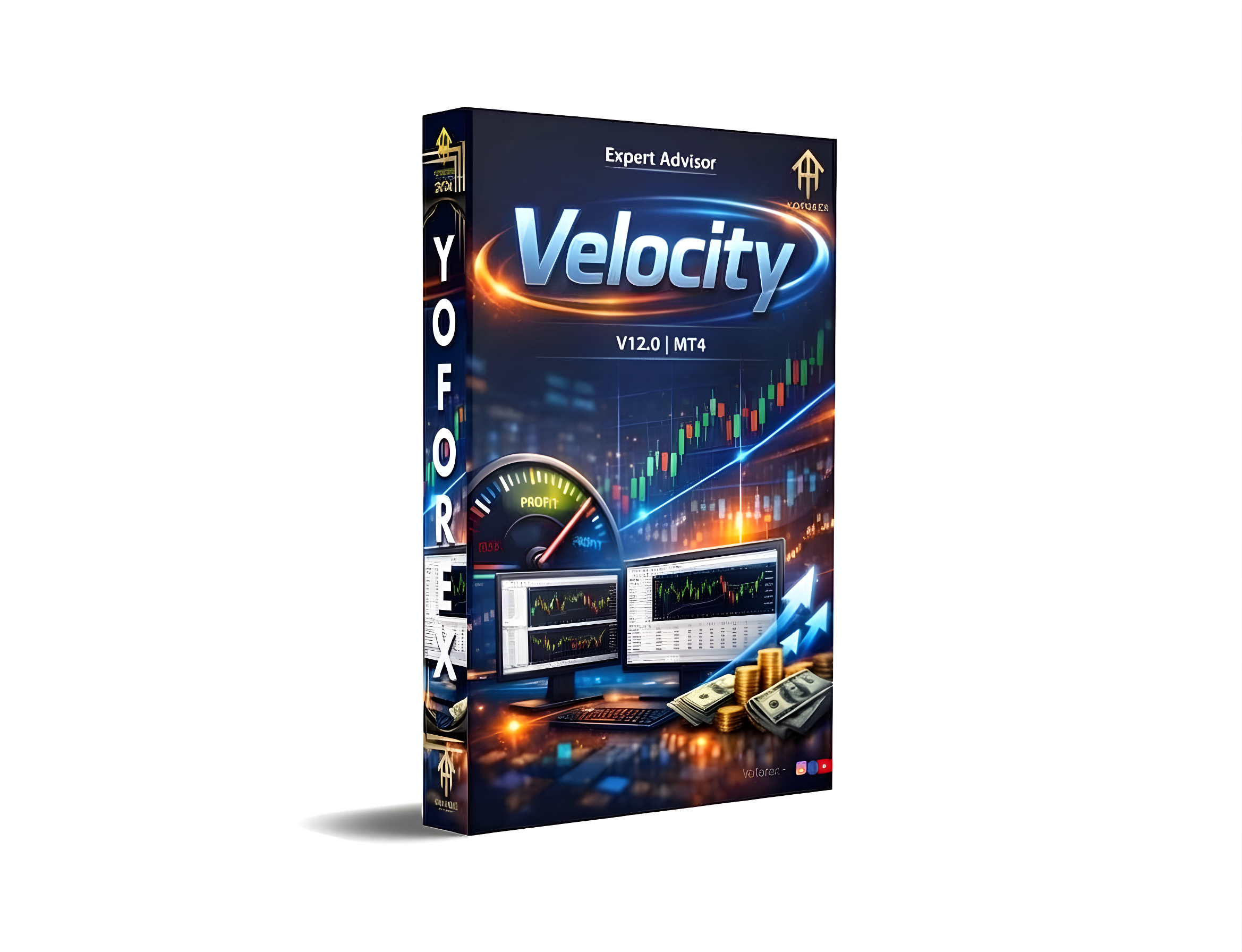
Velocity EA V12.0 MT4
- Fully Automated Trading:
- Executes trades automatically based on predefined algorithms, reducing manual intervention.
- Advanced Market Analysis:
- Uses multiple technical indicators to generate trading signals, analyze trend direction, and filter low-probability setups.
- Built-in Risk Management:
- Includes stop loss and take profit settings, adjustable lot sizes, and risk percentage control to protect capital.
- Optimized for MetaTrader 4:
- Designed specifically for MT4, compatible with most brokers, ensuring smooth and fast execution.
- Multi-Pair Trading Capability:
- Can trade multiple currency pairs simultaneously for diversification and increased opportunities.
- Customizable Settings:
- Allows modification of risk parameters, lot size, and trade frequency for different trading styles.
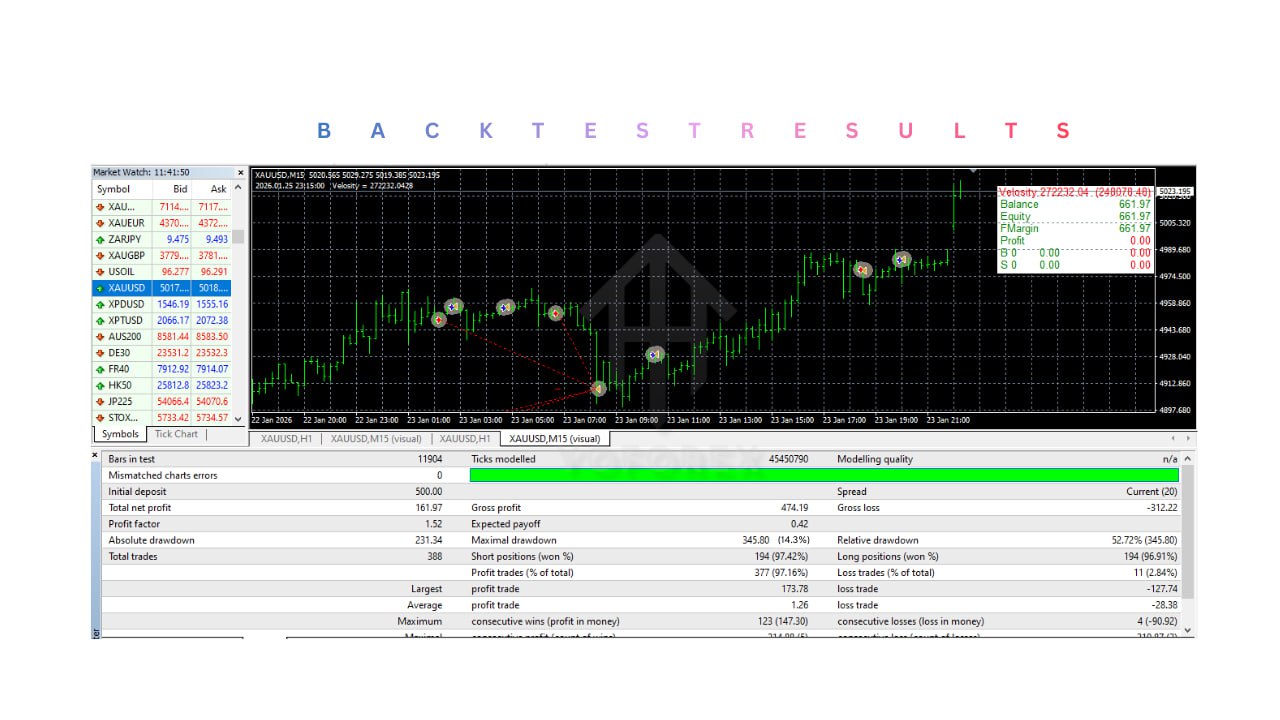
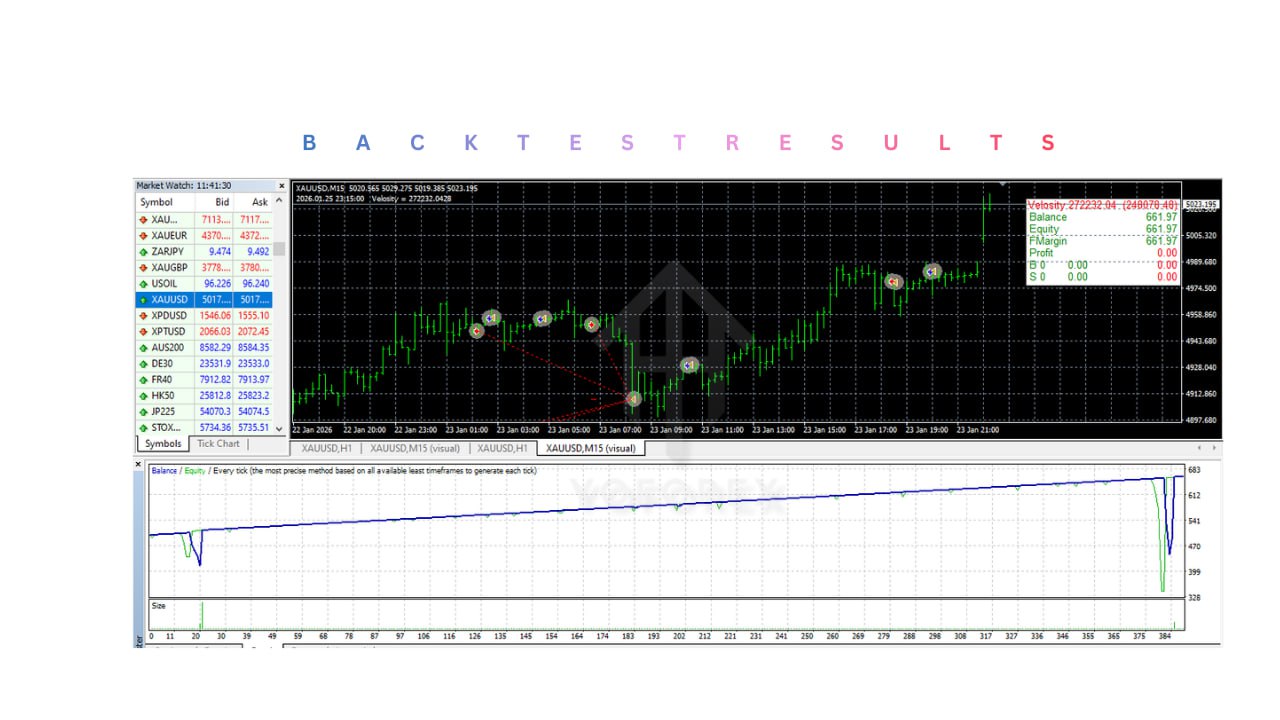
- Backtesting Support:
- Compatible with MT4 Strategy Tester to evaluate historical performance and optimize settings.
- Continuous Operation:
- Runs 24/5 during forex market hours; works effectively on a VPS for uninterrupted operation.
Velocity EA V12.0 MT4 is an automated trading Expert Advisor designed for the MetaTrader 4 platform. It allows traders to execute strategies automatically without constant market monitoring. The EA combines technical analysis, trend evaluation, and risk management to execute trades efficiently while minimizing emotional factors such as fear and greed. Suitable for beginners who want to explore automated trading and for experienced traders looking to optimize strategies and increase trading opportunities.
Login to checkout
Technical Specifications & Requirements
Open MetaTrader 4: Launch MT4 and log in to your trading account.
Open Data Folder: In MT4, click File → Open Data Folder.
Navigate to Experts Folder: Go to MQL4 → Experts.
Copy EA File: Paste the EA file into the Experts folder. Add any indicators or libraries if provided.
Restart MT4: Close and reopen MT4, or refresh the Navigator panel.
Enable Expert Advisors: Go to Tools → Options → Expert Advisors, and check:
Allow automated trading
Allow DLL imports (if required)
Allow WebRequest (if required)
Attach EA to Chart: Drag Velocity EA V12.0 onto a trading chart (recommended timeframe: M15 or H1).
Configure Settings: Set lot size, risk percentage, stop loss, take profit, maximum trades, and trading hours.
Enable AutoTrading: Click the AutoTrading button in MT4 and ensure it turns green.
Monitor Initial Performance: Observe how trades are executed in real-time.
Use VPS for Continuous Operation: Install MT4 on a VPS to ensure 24/7 uninterrupted trading.
Test on Demo Account First: Always evaluate performance before live trading.
Optimize Settings: Use MT4 Strategy Tester to backtest and fine-tune parameters
Delivery and support
After payment is confirmed, you can download this product from your dashboard. The file is delivered instantly; no email delay. For MetaTrader EAs, copy the file to your MT4 or MT5 Data Folder and restart the platform. For TradingView, follow the instructions included with the file. If you have any issues, contact us and we will assist you.
Why buy from us
We offer secure payment, instant delivery, and clear documentation. All products are tested and compatible with current platform versions. You get lifetime access to your purchase and can re-download from your account anytime.
For installation guides and tips, visit our Blog. If you have questions about this product or need support, use the Contact page or email—we are here to help.
Customer reviews
Log in to leave a review after purchase.
- No reviews yet. Be the first to review after purchase.