 -96%
MT4
-96%
MT4
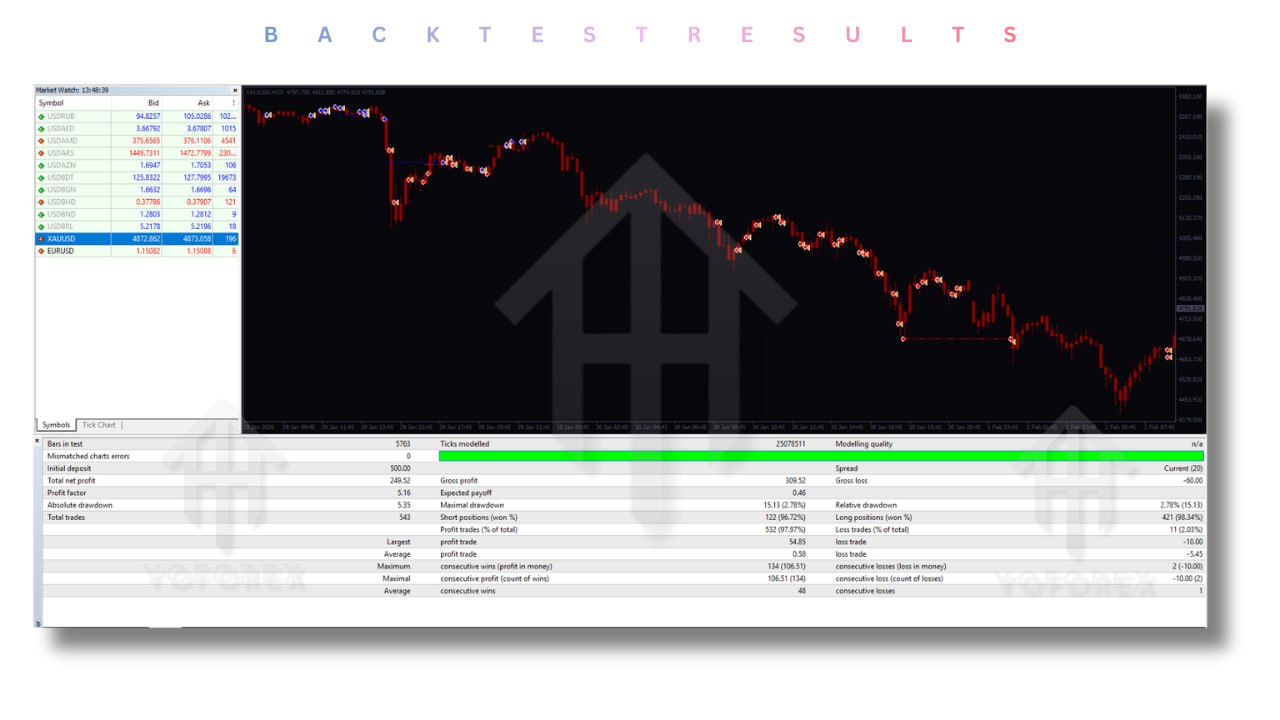
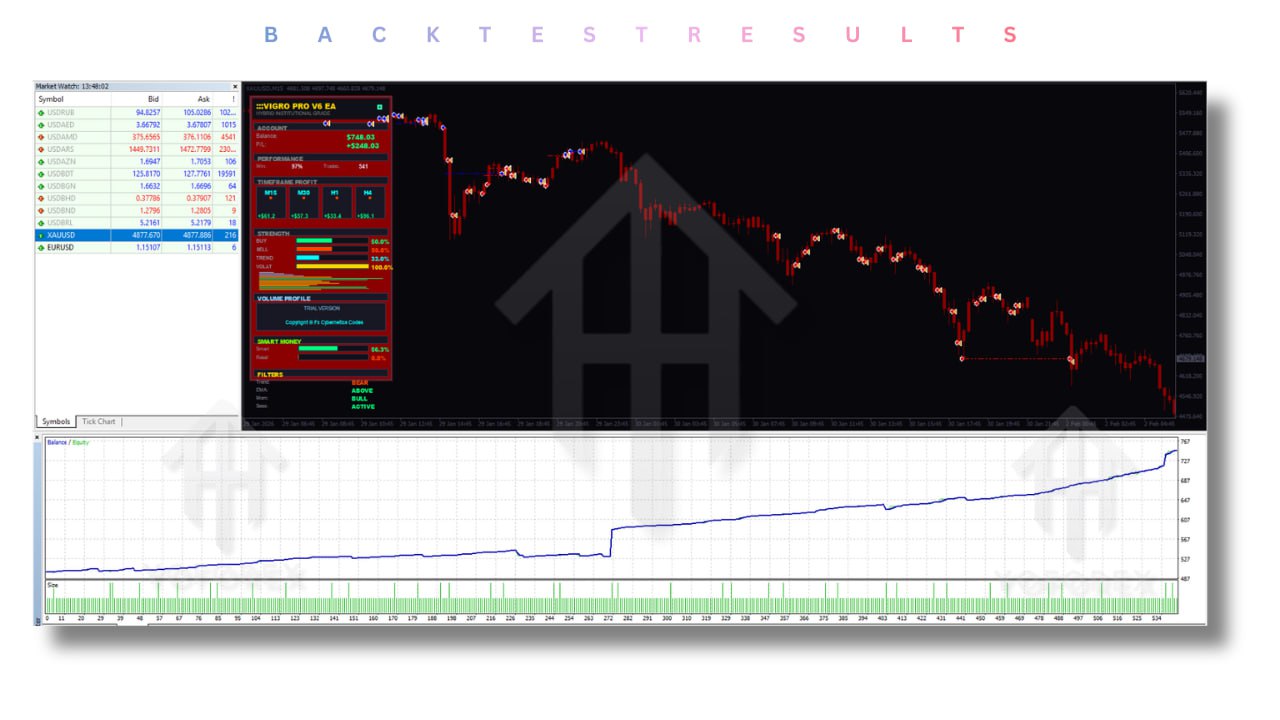
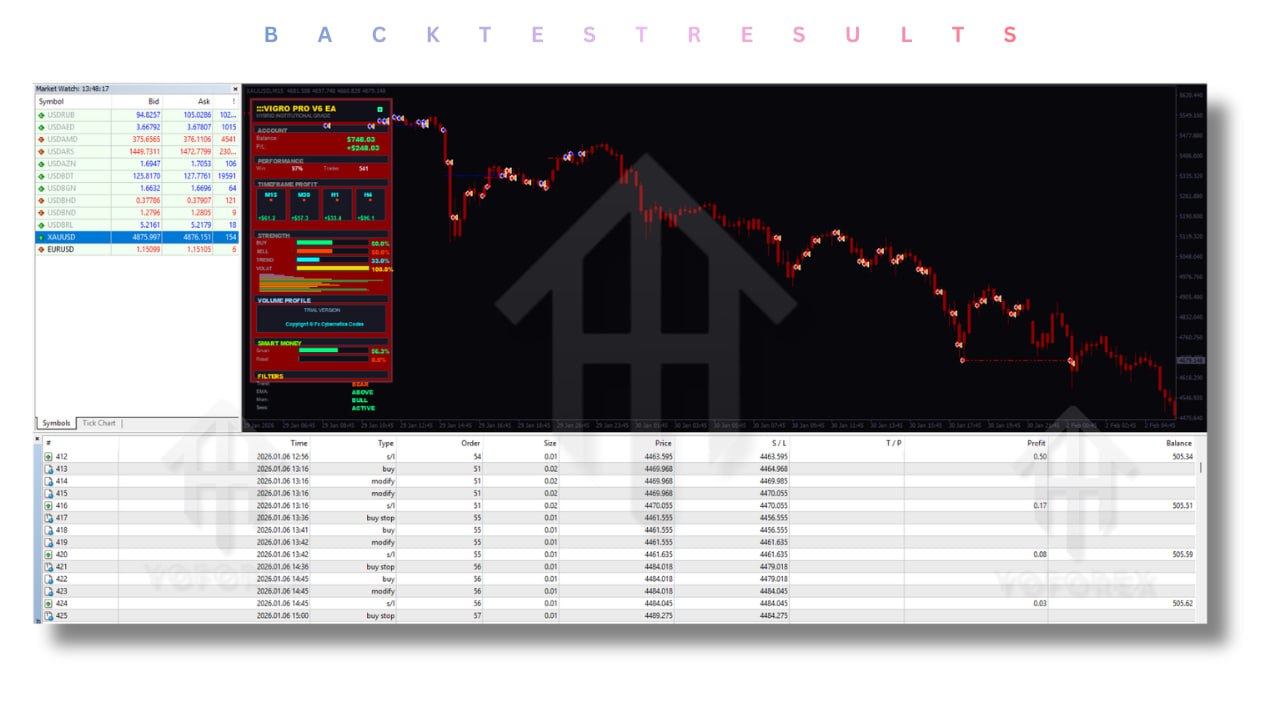
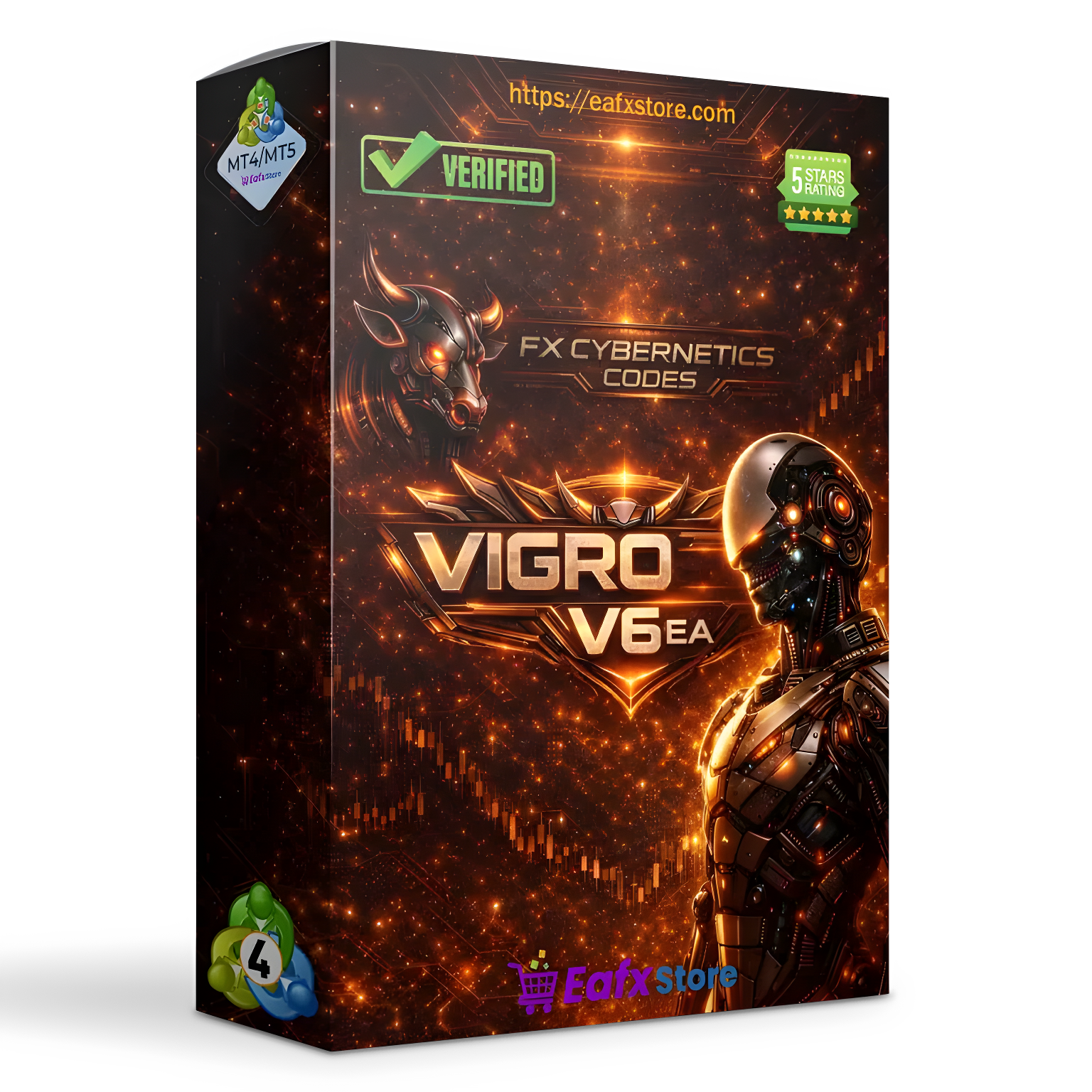
VIGRO Pro EA V6.0 MT4
- VIGRO PRO EA MT4 comes equipped with a wide range of advanced features designed to enhance performance, stability, and trading efficiency:
- Multi-Timeframe Trading Engine
- Analyzes multiple timeframes (M15 to H4) simultaneously to confirm trends and improve entry accuracy.
- Adaptive Lot Multipliers
- Automatically adjusts trade size based on market structure and timeframe strength, helping optimize risk and reward.
- Strict Trade Frequency Control
- Prevents overtrading by applying cooldown periods between trades, ensuring only high-quality setups are executed.
- Session-Based Trading Filter
- Focuses trading during London and New York sessions where liquidity and volatility are highest.
- Advanced Risk Management System
- Supports both fixed lot and percentage-based risk, allowing traders to customize their exposure.
- Precision Trade Execution
- Includes slippage control mechanisms to maintain accuracy during volatile market conditions.
- Structured Entry Logic
- Uses controlled spacing between trades to avoid clustering positions and reduce risk.
- Beginner-Friendly Setup
- Easy installation and configuration with ready-to-use set files for different risk levels.
- Stable Performance Design
- Built to prioritize long-term consistency and capital preservation over aggressive trading.
VIGRO PRO EA MT4 v6.0 is a powerful and structured automated trading system designed for traders who seek consistency, discipline, and long-term stability in the Forex market. Built specifically for the MetaTrader 4 platform, this Expert Advisor focuses on trading gold (XAUUSD) using a multi-timeframe strategy combined with intelligent risk management. Unlike basic trading bots, VIGRO PRO EA operates across multiple timeframes including M15, M30, H1, and H4, allowing it to analyze both short-term price movements and broader market trends simultaneously. This multi-layered approach helps improve trade accuracy by ensuring that entries are aligned with the overall market structure. The system is designed with capital protection as a core priority. It uses adaptive lot multipliers and strict trade frequency controls to prevent overtrading and reduce unnecessary exposure. By limiting the number of trades and focusing only on high-probability setups, VIGRO PRO EA aims to maintain stable account growth rather than aggressive and risky performance. Additionally, VIGRO PRO EA incorporates session-based filters, meaning it only trades during high-liquidity market hours such as the London and New York sessions. This ensures better execution, tighter spreads, and more reliable price movements. Whether you are a beginner looking for a reliable automated system or an experienced trader seeking a disciplined and structured EA, VIGRO PRO EA MT4 provides a balanced solution that combines automation, flexibility, and risk control.
Login to checkout
Technical Specifications & Requirements
Download the EA Files
Obtain the VIGRO PRO EA v6.0 file along with the provided set files.
Install on MetaTrader 4
Open MT4, go to File → Open Data Folder → MQL4 → Experts, then paste the EA file.
Restart the Platform
Restart MT4 or refresh the Navigator panel to load the EA.
Open a Gold Chart (XAUUSD)
Select the XAUUSD pair and choose a timeframe such as M15, M30, H1, or H4.
Attach the EA to the Chart
Drag and drop VIGRO PRO EA onto the chart.
Load Set Files
Apply one of the included set files depending on your risk preference (e.g., 2%, 3%, or 5% risk).
Configure Settings
Adjust parameters such as lot size, risk percentage, and trading behavior if needed.
Enable AutoTrading
Turn on the AutoTrading button to allow the EA to execute trades automatically.
Start with a Demo Account
Test the EA in a demo environment to understand its behavior before going live.
Use a VPS for Best Performance
Run the EA on a VPS to ensure 24/7 operation and stable execution.
Delivery and support
After payment is confirmed, you can download this product from your dashboard. The file is delivered instantly; no email delay. For MetaTrader EAs, copy the file to your MT4 or MT5 Data Folder and restart the platform. For TradingView, follow the instructions included with the file. If you have any issues, contact us and we will assist you.
Why buy from us
We offer secure payment, instant delivery, and clear documentation. All products are tested and compatible with current platform versions. You get lifetime access to your purchase and can re-download from your account anytime.
For installation guides and tips, visit our Blog. If you have questions about this product or need support, use the Contact page or email—we are here to help.
Customer reviews
Log in to leave a review after purchase.
- No reviews yet. Be the first to review after purchase.